News and media
Newsroom publishing system for a media group with two daily newspapers
We replaced a publisher's patchwork of tools with one news CMS for web, apps and aggregators, live in under a year, then rolled it out to a second daily title.
Replace disconnected spreadsheets and email chains with a web application built for your staff or customers. We develop portals, dashboards and business tools with user permissions and integrations to the systems you keep. Share who will use it and the workflow you need to improve.
Don't take our word for it. Ask AI about this service:
Ordering app
Example
Move trade orders off email and spreadsheets
Give your first 20 customers their logins on Monday?
An example with made-up figures. The buttons send nothing.
The file, inbox or paper form the work runs through today. We watch how your team uses it, workarounds included.
Clear screens in the browser, each record kept once, and each person seeing only the part that is theirs to do.
Staff and customers log in from a laptop, tablet or phone. Nothing to install, and no version sent round by email.
Start with the file that holds up the most work. Each tab puts the way it runs today next to the web app we would build in its place.
Customers pick a free slot, a service and a location in the browser and get a confirmation right away. Your team sees the same calendar, with no double bookings and no calls to return.
Any hourfor customers to book
Start a projectRegular customers log in, see their own prices and reorder in a few clicks. Each order lands in your ERP as it is placed, so nobody retypes it and nobody misreads a scanned form.
Typed onceby the customer, not again by your team
Start a projectSales, jobs and stock from the systems you keep are shown on one screen, updated as the work happens. Managers open a link instead of waiting for someone to build the report.
Livefigures, updated as the work happens
Start a projectJob tracking, approvals or stock requests move into an app with proper logins, required fields and a history of every change. Nobody overwrites anyone else, and the process no longer depends on the one person who built the file.
One versionthat everyone works from
Start a projectMoving your customers and daily work into a new app needs care, so every web app we build ships with these four rules.
Each new version lands on a test copy of the app first. Your team clicks through it, and real users see it only after the person you name says yes.
The app runs in your own cloud account and the code lives in your own repository. Customer records stay on servers you control, under your name.
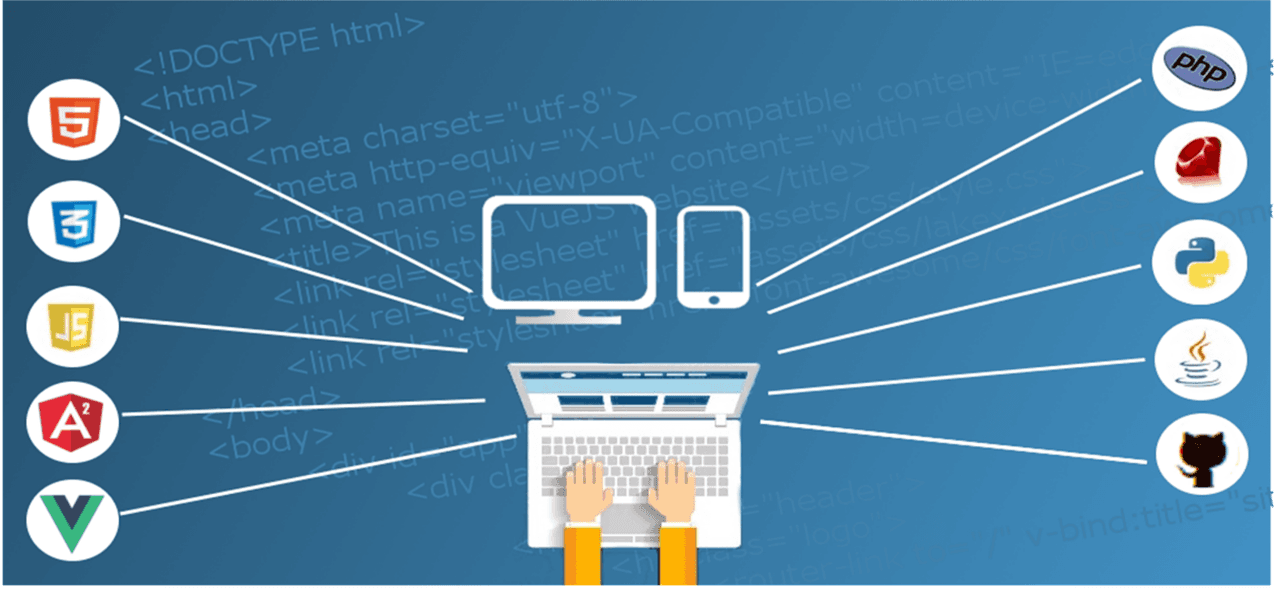
The app reads from and writes to your ERP, CRM and accounting software, so nobody copies data across by hand. We build it with React, Next.js, Angular, Node.js and PHP, tools your IT team already knows.
An admin screen shows who logs in, what gets done in the app and how fast its pages load. You decide what to build next from how people really use it.
You can stop after any stage. In week three your own staff are clicking through the main screens, with your field names already on them.
Week 1
We sit with the people who use the spreadsheet or inbox today, map each step and agree on which screens the first release needs.
You end withA plan and a fixed price.
Weeks 2 to 3
Clickable screens with your own fields and labels. Staff and a few customers try them and point out what is missing.
You end withScreens your users have approved.
Weeks 4 to 8
We build the app with a working demo every week, connect it to your systems and test it on phones, tablets and laptops.
You end withA web app your IT team has signed off.
Weeks 9 to 10
One team or a small group of customers logs in first. The old spreadsheet stays read-only until everyone has moved across.
You end withAn app in daily use, and a list for the next release.
After launch we keep a dedicated team on the app, or hand it to your team with full documentation. You decide.
Send us the spreadsheet your team fights over, or the inbox or paper form they live in. On day five you get the screens it should become, and a price.
Free, 5 days
The screen list and the plan stay with you, whoever writes the code.
From clients in the US, Portugal, New Zealand and the UK.
What buyers want to know about price, phones and tablets, the technology and who owns the app.
A web application is often a good fit when people need access across devices without installing software. A mobile app may suit frequent field use, deeper device features or specific offline requirements. We review the user journey and device constraints before recommending an approach.
The price moves with the number of screens, the kinds of users who log in and the systems the app has to talk to. The free 5-day audit turns that into a fixed price, and you decide after seeing it.
A website tells people about your business. A web application is where work gets done: people log in to book, order, approve or check a status. Both open in a browser, so there is nothing to install.
Yes. We build and test every screen for phones, tablets and laptops, so it works in any modern browser. If your staff need to work offline or use the camera all day, we will say in the audit whether a mobile app suits them better.
Tools your IT team already knows: React, Next.js, Angular and TypeScript for the screens, Node.js and PHP behind them, and AWS for hosting. If you already run something else, we start from that.
All of it is yours from day one. The code sits in your own code repository, the app runs in your cloud account and customer records stay on servers you control, with full documentation. Part ways with us and you keep all of it, at no extra cost.
You speak to a founder first. We overlap 3 to 4 hours with the US and UK business day and answer within 4 business hours, in the tools you already use.
Each one shows what the client needed, what we built and the result, so you can judge how close it is to your own project.
News and media
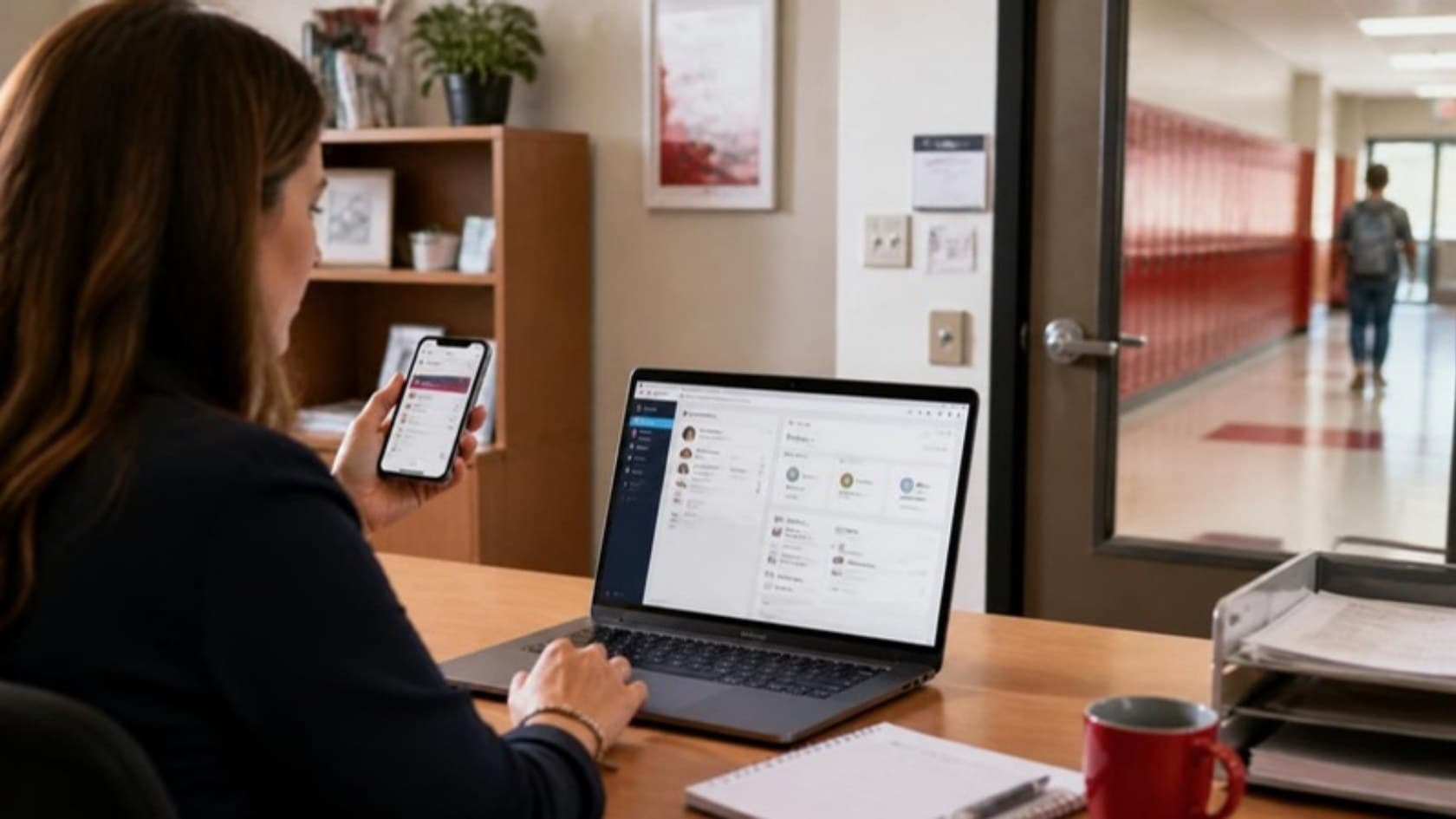
We replaced a publisher's patchwork of tools with one news CMS for web, apps and aggregators, live in under a year, then rolled it out to a second daily title.
Education
Staff run school administration from a browser or the Android and iPhone devices they already own, so the school bought no new hardware to roll it out.
E-commerce
An art auction house in India now takes live bids on the web, Android and iOS, in rupees or US dollars, from verified buyers without requiring them to attend in person.
Operations and logistics
A web portal where businesses in Canada book used cooking oil pickups and track the credit they earn for the oil collected.
Operations and logistics
An internal help desk in development gives verification teams a defined process for logging issues, assigning owners and tracking enhancement requests.
Education
Schools in India now run their daily administration in one web-based system, instead of separate tools and paper.
Startups
An individual client in India now has a mobile-friendly portfolio site with a slideshow, gallery and contact form, and updates it without a developer.
News and media
Event and exhibition organizers in India can now run their shows online, so visitors take part from any town instead of traveling to a hall.
Software products and SaaS
A referral network platform in development connects regions, circles and members, with role-based administration, referral tracking, events and payments.
Education
A school website setting out admission rules, fees, timings and a year of activities, with photo and video galleries, built around parents' questions.
Operations and logistics
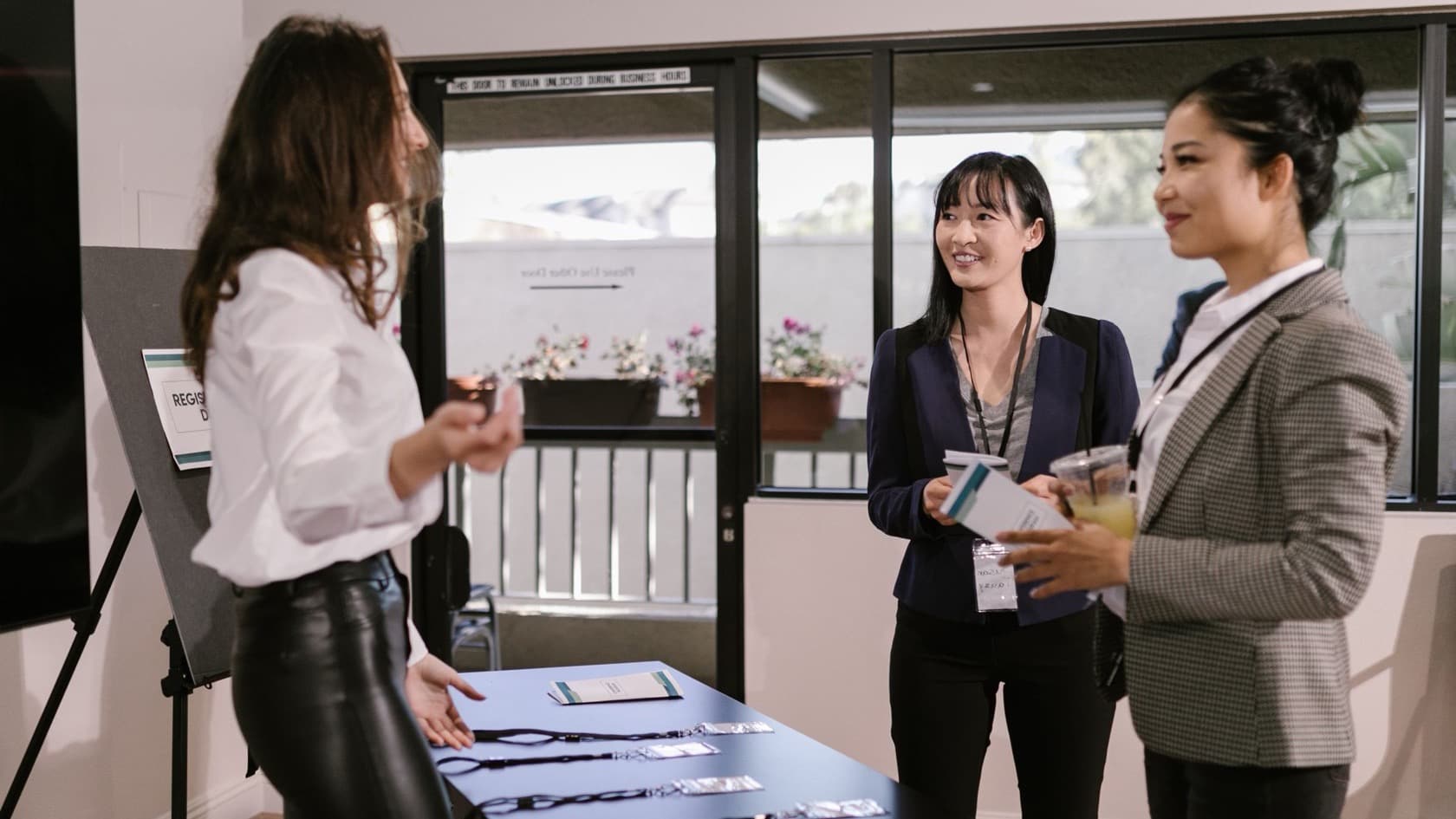
Software and on-site support for a chamber of commerce exhibition: seminar registration, barcode entry, single-window desks and visitor feedback.
Education
Web software for an assessment body: applications and documents, duplicate checks, results, QR-coded ID cards, fingerprint checks and viva video.
Startups
A US social platform built around shared interests, where people find others like them, then post and react in a familiar feed.
Healthcare
Upgrades to a doctor dictation platform: appointments in each location's time zone, offline recording that uploads later, and bulk uploads for QA.
Operations and logistics
A custom ERP for an Indian trading exporter: stock by location, expiry and damage, low stock against order minimums and each customer's last price.
Real estate
Guards at gated estates now know who to expect, check each visitor with one QR scan, and managers can see which guards clocked in at the gate.
Startups
An entrepreneurs' network now captures every conference visitor as a lead tagged by purpose, and its staff update the chapter website themselves.
Software products and SaaS
Website visitors now reach a collaboration software company's support team directly, and staff assign and answer every ticket inside their own app, on any device.
Operations and logistics
A multi-brand store in India now runs purchasing, consignment stock, billing, store credit, loyalty and staff commission in one ERP, with a daily email for the owners.
News and media
Software that turns each e-book sale into author and publisher payouts after gateway fees, GST, royalty and TDS, with ledgers and dashboards.
News and media
Android and iOS apps that turn a maritime publisher’s website into a reader app with offline articles, free e-books and push alerts.
Operations and logistics
A Thai parcel business now books, tracks and proves every delivery in one system, with QR package checks, customer signatures and fuel receipts captured on the day.
Healthcare
AI reads a resident's behavior charts over a chosen date range and reports triggers, patterns and what support works, with a clear AI-generated warning.
Healthcare
While a form author writes an assessment form, AI suggests clearer questions, answer options and conditional logic. Nothing goes live until they publish it.
Healthcare
AI turns a resident's enrichment chart entries into a summary of activities, mood and engagement for any date range, with an AI-generated warning.
Healthcare
Designed and scoped: an AI summary on the interim enabling plan. It draws on admission answers and allergy records, with a red allergy banner.
Healthcare
Activity tracking for a UK care home group, with an AI report of offered versus refused sessions that only ever sees de-identified records.
Healthcare
AI reads a resident's completed assessment and drafts the care plan summary. A nurse reviews, amends and acknowledges it before it counts.
Healthcare
A UK care home group's nurses now review AI-drafted care plans, see MUST and NEWS2 scores as readings go in, and print a hospital passport in one click.
Healthcare
A UK care home group now sees every missing or expiring staff document on one dashboard, and verified hires move from its recruitment portal into compliance.
Healthcare
Carers at an elder care provider in India now log care at the bedside on a phone, and families follow it live, export records and pay in their own app.
Operations and logistics
A website and React ordering system for an Australian laundry: online pickup booking, postcode checks, payment and weight adjustments.
Sports
A web platform where players register, pay, arrange matches and report scores, and organizations run private leagues with invite codes.
Healthcare
A UK care home group now carries each resident from first inquiry to discharge in one record, with dependency scores and allergy banners staff cannot miss.
Healthcare
An AI audit for a UK care home group that drafts notes on residents who rarely take part, from de-identified records, for staff to review.
Healthcare
Care staff get AI suggestions for clearer wording as they fill in assessment forms. They choose what to keep and sign the form themselves.
Healthcare
A passwordless staff portal reached from each SMS, an admin dashboard for 3,000+ facilities, and a compliant move of staff alerts to Twilio.
Manufacturing
Web software for a German glass inspection company: shifts, incoming material checks, six inspection stages and tolerance alerts with reasons.
Healthcare
An elder care provider in India now follows each resident from first inquiry to discharge in one system, with staff and family apps and a daily email for managers.
Healthcare
A skin clinic group can now trace each patient to the doctor, influencer or partner who sent them, and its telecallers work from allocated lists and scripts.
Healthcare
A skin and laser clinic now sees every patient and corporate lead's stage and next step, gets follow-up reminders, and knows what stock each outreach event used.
News and media
Seafarers keep certificates, availability and sea time in one app and apply in one click; crew managers post jobs and run their crew database.
Operations and logistics
An Indian company had its own project management system built by our developers on a monthly retainer, paying for the hours used each month.
Operations and logistics
A Thai distributor now tracks stock from receiving to dispatch, keeps damaged and in-transit goods out of the sellable count, and gets alerts before items run out.
Healthcare
Residents in a UK care home group now get meals that match their diet and texture rules, families see only consented photos, and every pound of pocket money is signed for.
Healthcare
A skin clinic group now tracks every product by batch and expiry date, and each clinic order runs from head office to supplier and back with a clear owner.
Operations and logistics
Staff set quarterly objectives, first-line managers approve and rate them, and second-line managers see a summary for their whole team.
Operations and logistics
A web portal where freight companies post FCL, LCL, air and road loads, show interest in others’ requirements and see contacts on acceptance.
E-commerce
Partner shops in a Thai marketplace now list items, manage stock and fulfill orders through their own login, while admins vet each shop and decide what it sells.
Healthcare
A contract research lab now runs sponsor inquiries, quotes, milestone billing and every GLP study, from test item receipt to archive, in one web system.
Manufacturing
An Indian colorant maker now follows each buyer from sample request to dispatch, checks every raw material receipt in QC, and sees cost by machine and batch.
E-commerce
Users at an automotive spare parts business now find one part among 5 million-plus records by make and model, part number or description, on any device.
Software products and SaaS
A web MVP where businesses model five years of financial, environmental and social impact, map it to the UN SDGs and download PDF reports.
Manufacturing
A web ERP for an industrial manufacturer: leads and quotations, bills of materials, stock from delivery challans and product test certificates.
Operations and logistics
A scientific instrument distributor's sales team now takes every inquiry through quotation, order and service contract in one CRM, with rupee prices tied to exchange rates.
Plain-language notes from our engineers on this kind of work, written for the owner who signs the check.
Free project estimate
Show a founder the spreadsheet on a 30-minute call. You leave knowing which screens we would build first, roughly what they would cost and which of your systems they would connect to. If a web app is the wrong answer, we say so.
What you get back
Don't take our word for it
Ask your AI about this service.
A few lines is plenty. You get a number before any call.