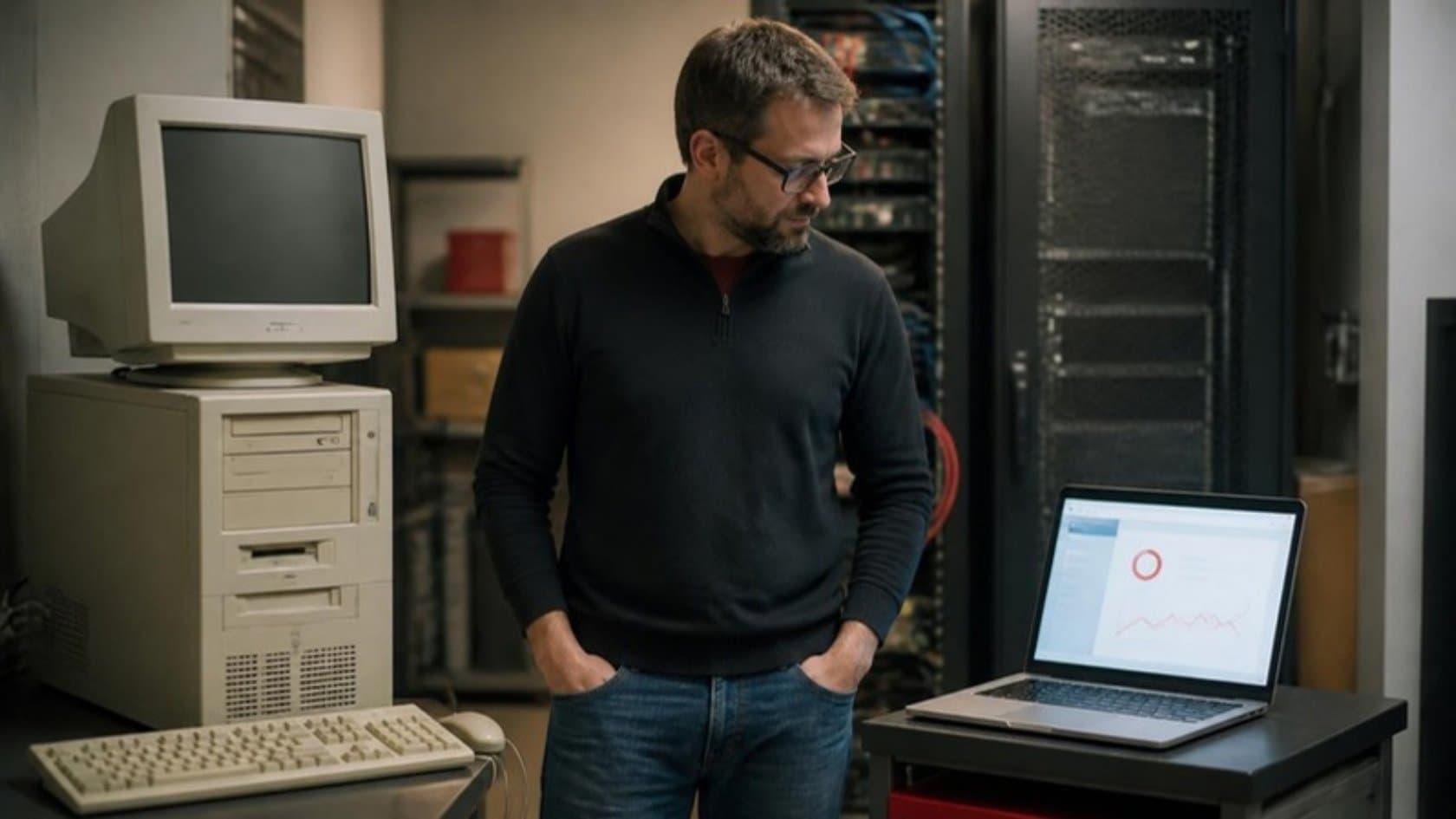
Your business runs on an application that was built years ago. It works, mostly, but it lives on a server in a back room, the person who wrote it has moved on and every change feels risky. Someone has suggested "moving it to the cloud".
Legacy application migration to the cloud can mean very different things, at very different prices, and the three words you will hear most are rehost, replatform and refactor. This article explains each one in plain terms and gives you a way to choose.
Legacy application migration to the cloud: the options
The cloud providers and analysts have published several versions of this list. Gartner set out five ways to migrate applications to the cloud back in 2010, and AWS now describes seven migration strategies, often called the 7 Rs. For an owner, three of them cover most decisions, plus two that are easy to forget.
Rehost ("lift and shift")
Move the application to cloud servers as it is, with no code changes. It is the fastest and cheapest way to get off old hardware. You keep all the application's existing problems, but on hardware someone else maintains.
Replatform ("lift, tinker and shift")
Move the application with a few targeted changes that pay off quickly. A common example is moving the database to a managed database service, so backups, patching and failover are handled for you. The core code stays largely the same.
Refactor (or re-architect)
Rework the application so it is built for the cloud: split into parts that can change and scale independently, with modern tooling. It costs the most and takes the longest. AWS's own guidance calls it the most complex and costly of the migration strategies.
The two you should not forget: retire and replace
Some applications should simply be switched off, because nobody uses them. Others can be replaced by an off-the-shelf product. Every honest migration plan considers both before spending money moving something.
Rehost vs. replatform vs. refactor compared
Rehost | Replatform | Refactor | |
|---|---|---|---|
What changes | Where it runs | Where it runs, plus a few components | How it is built |
Relative cost | Lowest | Moderate | Highest |
Relative time | Weeks | Weeks to months | Months or more |
Risk to daily operations | Low, if tested | Low to moderate | Higher, unless done in stages |
Fixes old code problems | No | Some | Yes |
Makes future changes easier | Barely | Somewhat | Yes |
Good fit when | The hardware is the problem | Running costs and upkeep are the problem | The application itself holds the business back |
Four myths about moving a legacy application to the cloud
Myth: the cloud is automatically cheaper
Fact: it can be, but only if you manage it. In Flexera's 2025 State of the Cloud survey, 84% of organizations said managing cloud spend was a challenge, and respondents estimated that 27% of their cloud spend was wasted. A rehosted application that ran on one paid-off server can cost more in the cloud if it is sized badly and left running around the clock.
Myth: lift and shift modernizes the system
Fact: rehosting moves the application to a new building and leaves everything inside it as it was. If your system is slow, hard to change or depends on a programming language few people still know, it will be all of those things in the cloud too.
Myth: you have to rewrite everything at once
Fact: a big-bang rewrite is the riskiest option available. A safer approach replaces the application one part at a time, with old and new running side by side until the numbers match. AWS makes a similar point for large migrations: move first, then modernize after the migration is complete, rather than doing both at once across many applications.
Myth: if it still runs, it can wait
Fact: old systems age in ways that do not show until something breaks. The US Government Accountability Office reviewed 11 of the federal government's most critical legacy systems in 2025 and found that eight used outdated programming languages, four ran on unsupported hardware or software, and seven had known cybersecurity vulnerabilities. Your back-office system is not a federal tax platform, but the pattern of skills drying up and patches no longer arriving is the same.
How to decide: a simple framework
Work through these questions for each application you are thinking of moving. The answers usually point clearly to one option.
1. Does the business still need it?
If usage is low and the job could be done elsewhere, retire it. If an off-the-shelf product does the same job well, consider replacing it. Only move what earns its keep.
2. What is the actual problem?
The server is old or the lease is ending: rehost.
Running, patching and backing up the database takes too much time: replatform.
Every change takes months, or nobody can maintain the code: refactor, or rebuild in stages.
3. How much change can your operations absorb?
If this system runs orders, stock or invoicing, downtime costs money. Favor approaches that let you move in stages and roll back.
4. Do you know what the system really does?
Many legacy applications carry rules nobody wrote down: a discount that applies to one customer group, a report finance depends on. Before you refactor, document what each screen and report does. In legacy modernization work, this write-up often turns out to be the most valuable thing the old system ever had. Rehosting can wait for this; refactoring cannot.
5. Who will look after it afterwards?
A refactored, cloud-built application needs people who can run it. Make sure your IT team, or a partner, is ready for that before you start.
Questions to ask a migration partner
Which option would you recommend for this application, and which ones did you rule out?
How will you prove that every record arrived intact?
What happens to my team's work on the day we switch, and how do we switch back if something goes wrong?
What will this cost to run each month once it is in the cloud?
Who owns the code, the cloud account and the documentation at the end?
A common path that keeps risk low
For a mid-size firm, the sensible route is often a combination:
Rehost or replatform first, to get off failing hardware quickly and cheaply.
Document what the system does, screen by screen and report by report.
Rebuild the most painful module first, such as orders or stock, and run it alongside the old one until the figures agree.
Move users across only when your IT team approves, then start the next module.
This is how our legacy system modernization works: one module at a time, old and new side by side, every record copied and counted on both sides, and your team switching over only when the numbers match. Where a full rebuild is the right answer, it becomes a custom software development project planned in phases.
Related reading: Legacy System Modernization: 7 Signs Your Old System Needs It · Modernize Old Software Without a Full Rewrite: The Strangler Approach
Where to start with cloud migration
If you are not sure which option fits your system, an outside view helps before you commit budget. Our software consulting can give you a written recommendation and a price for the first step. Or book a 30-minute call and walk a founder through the system nobody wants to touch. If moving it is the wrong call, we will tell you.