Operations and logistics
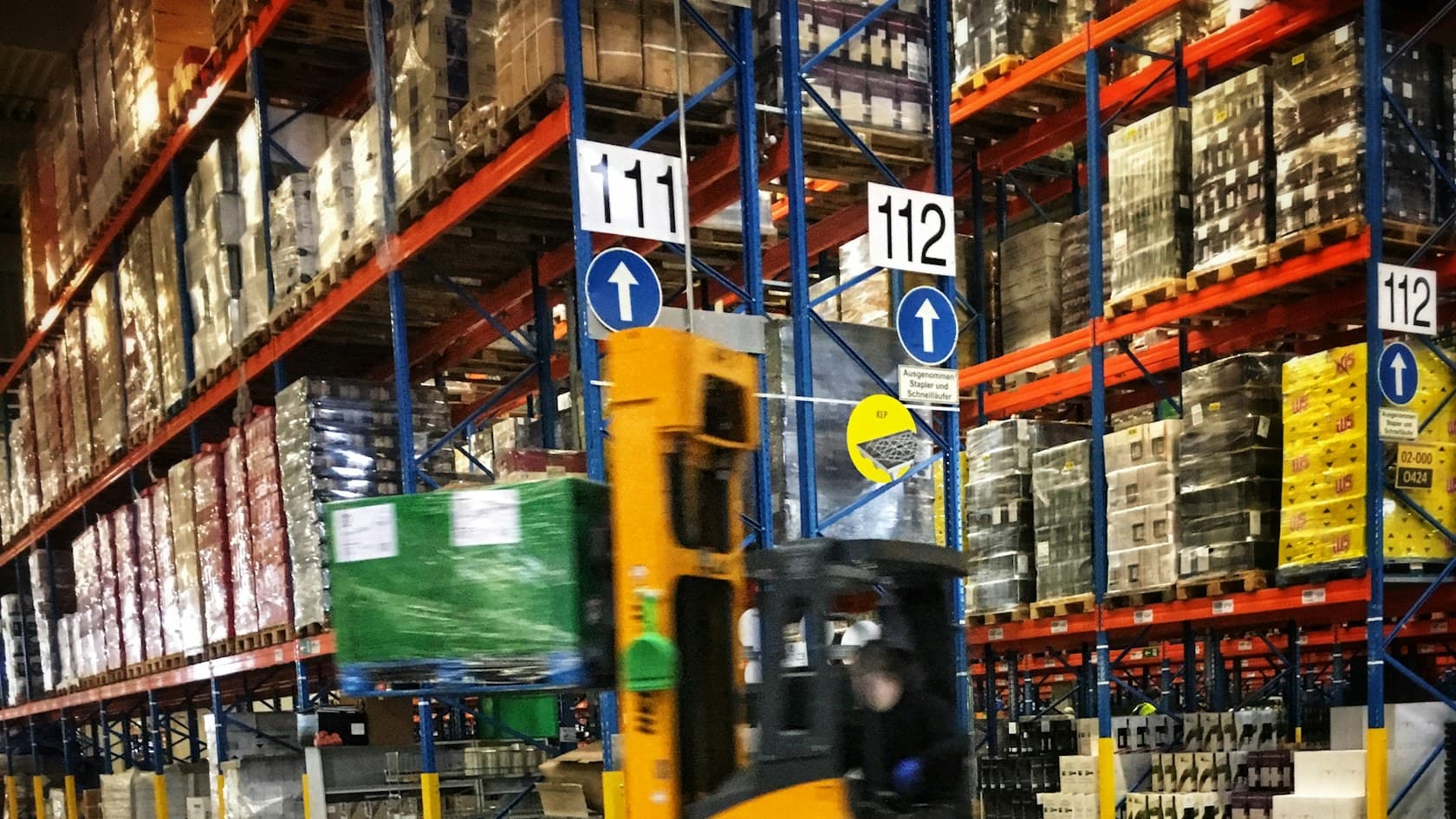
Used cooking oil pickup and credit portal for a Canadian collector
A web portal where businesses in Canada book used cooking oil pickups and track the credit they earn for the oil collected.
Connect the systems your team already uses so invoices, approvals, onboarding and reconciliations move without repeated data entry. Our workflow automation services define the rules, handle exceptions and keep an audit trail. Start with the hand-off that causes the most delays.
Don't take our word for it. Ask AI about this service:
Invoice workflow
Example
This morning's supplier invoices
3 invoices do not match their orders. Send them to the buyer?
An example with made-up figures. The buttons send nothing.
We follow one piece of paperwork from the moment it arrives to the moment it is filed, and note every place someone retypes, checks or chases it.
Software reads each document, matches it and posts it between your systems the same way every time, and logs every step.
Anything that does not match, or needs a signature, lands with the right person, with the reason already marked.
Start with the paperwork that piles up first. Each tab puts the manual version, with its retyping and chasing, beside the automated one.
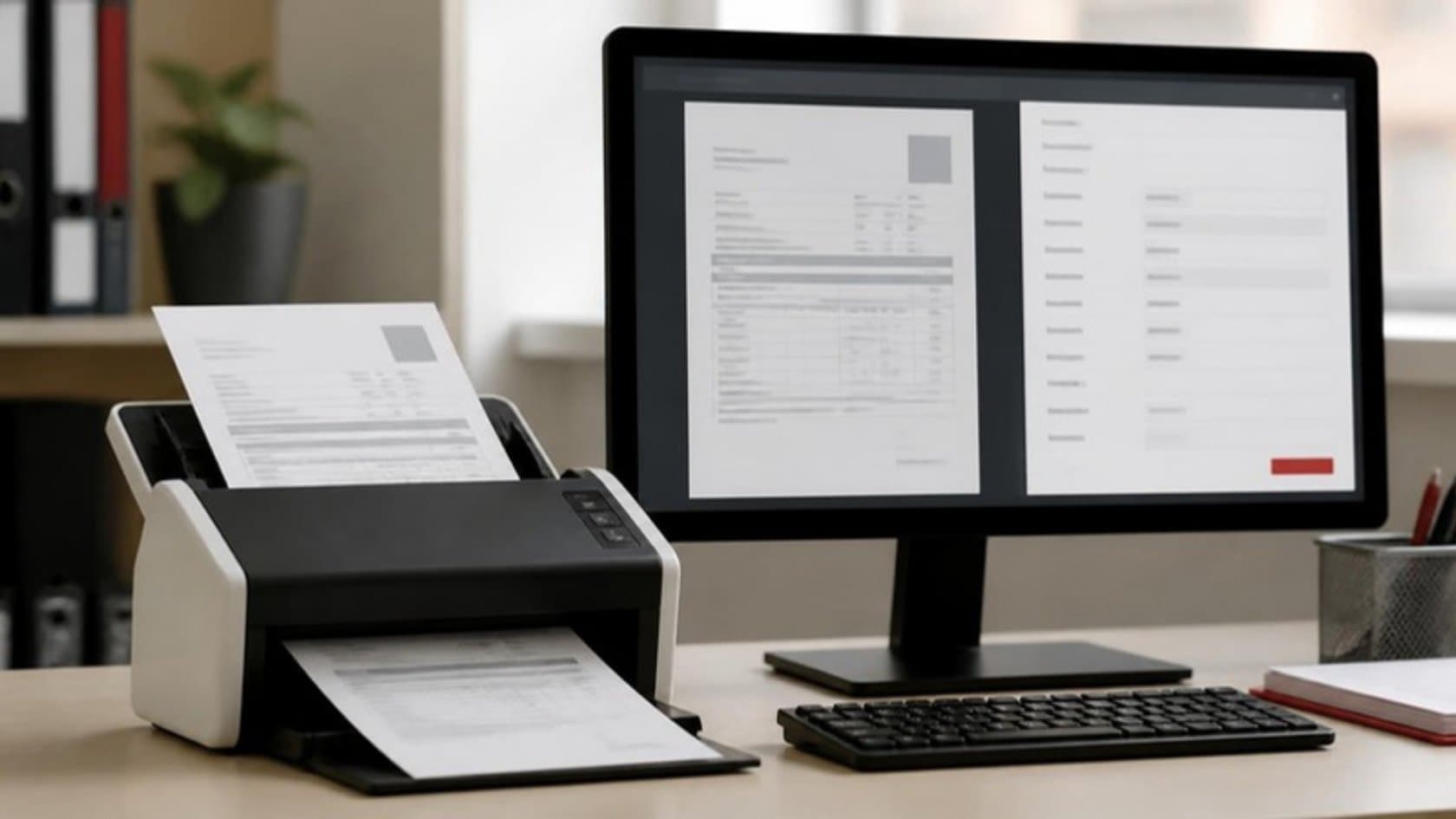
Software reads each supplier invoice as it arrives, matches it to the purchase order and the goods received, and posts it to your ERP. Only the ones that do not match reach your accounts team, with the difference already marked.
Exceptionsare all your team sees
Start a projectYour ERP and bank feeds reconcile continuously through the month, so intercompany matching and variance notes are prepared before the close begins. Your controllers review and approve instead of building spreadsheets.
Dailyreconciliation, not a month-end scramble
Start a projectOne signed offer starts the whole sequence: the employee record, system accounts, equipment request and welcome pack. The workflow checks off and logs each step, so nothing depends on someone remembering.
Day oneaccounts and paperwork ready
Start a projectThe workflow checks each expense claim and purchase request against your policy, routes it to the right approver and sends the reminders itself. You see where every request stands without asking anyone.
Livestatus of every request
Start a projectLetting software move money and records should make you careful. These four rules are built into every workflow we automate.
You set the limits: amounts, suppliers and steps that always need a signature. The workflow follows them every time and stops for a named person wherever you said it should.
Documents and records stay inside your own systems and cloud account wherever your policy requires it. Nothing is copied to a tool you did not choose.
Your accounts team keeps working in the ERP and inbox it already knows. We connect the workflow to those, plus your CRM and bank feeds, and since we build ERPs ourselves, the integration work sits with us.
A dashboard shows how many items went through on their own, how many needed a person and why. That count of hand-offs shows you which workflow to automate next.
You can walk away after any of the four stages. By week three, your team has checked the first workflow's results on a copy of your own invoices or claims.
Week 1
We sit with one department, map how its paperwork moves and rank three workflows by the hours automation would save.
You end withA plan and a fixed price.
Weeks 2 to 3
We run the first workflow on a copy of your real documents. Your team checks every result against how they would have done it.
You end withProof it works, or a clear no.
Weeks 4 to 8
We connect it to your live systems, add your approval rules and test it on real cases until your IT and finance people are satisfied.
You end withA workflow your IT team has signed off.
Weeks 9 to 10
It runs alongside the manual process first. You compare the two on the dashboard before switching the manual work off.
You end withFigures to decide the next workflow.
After launch we watch every workflow and adjust it when a supplier, a form or one of your systems changes.
See it work on your own paperwork before you spend anything. Pick finance, procurement or HR, and get back the three workflows worth automating first.
Free, 5 days
The workflow map and the plan are yours to keep, whether or not we do the automation.
From clients in the US, Portugal, New Zealand and the UK.
Cost, your current systems and the invoice that does not match: what buyers raise before they automate.
Bring a sample of the process, the systems involved, approximate monthly volume and common exceptions. Note who approves each step and where delays occur. Redacted examples are enough for an initial discussion; access to systems can follow an agreed scope.
The price depends on how many systems the workflow touches, how many document types it reads and how many exception and approval rules it follows. The free 5-day audit ends with a fixed price for the first workflow, so you know the number before you sign.
Workflow automation connects your systems so documents and records move between them by set rules. RPA is one way to do that when an old system has no other way in: software works its screens the way a person would. An AI agent handles the parts that need reading and judgment, such as an unusual invoice. Many projects use all three, and we pick per step.
No. We connect to the systems you already run. If one of them is too old to connect to, we tell you in the audit and show you the options, including leaving it as it is.
It stops and goes to a person with the reason marked, such as a price that differs from the order. Nothing outside your rules is posted or paid on its own, and every step is logged.
You own it outright from the first day. The workflow definitions, the integration code and the run logs sit in your accounts under your name, with full documentation. If we part ways you keep it all and owe nothing extra.
You speak to a founder first. We overlap US and UK business hours by 3 to 4 hours a day, post updates in the tools you already use and reply within 4 business hours.
Each one shows what the client needed, what we built and the result, so you can judge how close it is to your own project.
Operations and logistics
A web portal where businesses in Canada book used cooking oil pickups and track the credit they earn for the oil collected.
Operations and logistics
We connected a US business's own system to QuickBooks, so financial data entered once reaches the accounts without retyping.
Startups
An entrepreneurs' network now captures every conference visitor as a lead tagged by purpose, and its staff update the chapter website themselves.
News and media
Software that turns each e-book sale into author and publisher payouts after gateway fees, GST, royalty and TDS, with ledgers and dashboards.
Healthcare
A UK care home group's nurses now review AI-drafted care plans, see MUST and NEWS2 scores as readings go in, and print a hospital passport in one click.
Healthcare
A UK care home group now sees every missing or expiring staff document on one dashboard, and verified hires move from its recruitment portal into compliance.
Healthcare
Carers at an elder care provider in India now log care at the bedside on a phone, and families follow it live, export records and pay in their own app.
Operations and logistics
A website and React ordering system for an Australian laundry: online pickup booking, postcode checks, payment and weight adjustments.
Healthcare
A UK care home group now carries each resident from first inquiry to discharge in one record, with dependency scores and allergy banners staff cannot miss.
Healthcare
A skin clinic group can now trace each patient to the doctor, influencer or partner who sent them, and its telecallers work from allocated lists and scripts.
Healthcare
Residents in a UK care home group now get meals that match their diet and texture rules, families see only consented photos, and every pound of pocket money is signed for.
Healthcare
A skin clinic group now tracks every product by batch and expiry date, and each clinic order runs from head office to supplier and back with a clear owner.
Operations and logistics
Staff set quarterly objectives, first-line managers approve and rate them, and second-line managers see a summary for their whole team.
Healthcare
A contract research lab now runs sponsor inquiries, quotes, milestone billing and every GLP study, from test item receipt to archive, in one web system.
Plain-language notes from our engineers on this kind of work, written for the owner who signs the check.
Free project estimate
Walk a founder through that paperwork in a 30-minute call. You'll know which workflow to automate first, roughly what it would cost and which systems we would connect. If it is the wrong job to automate, we tell you.
What you get back
Don't take our word for it
Ask your AI about this service.
A few lines is plenty. You get a number before any call.