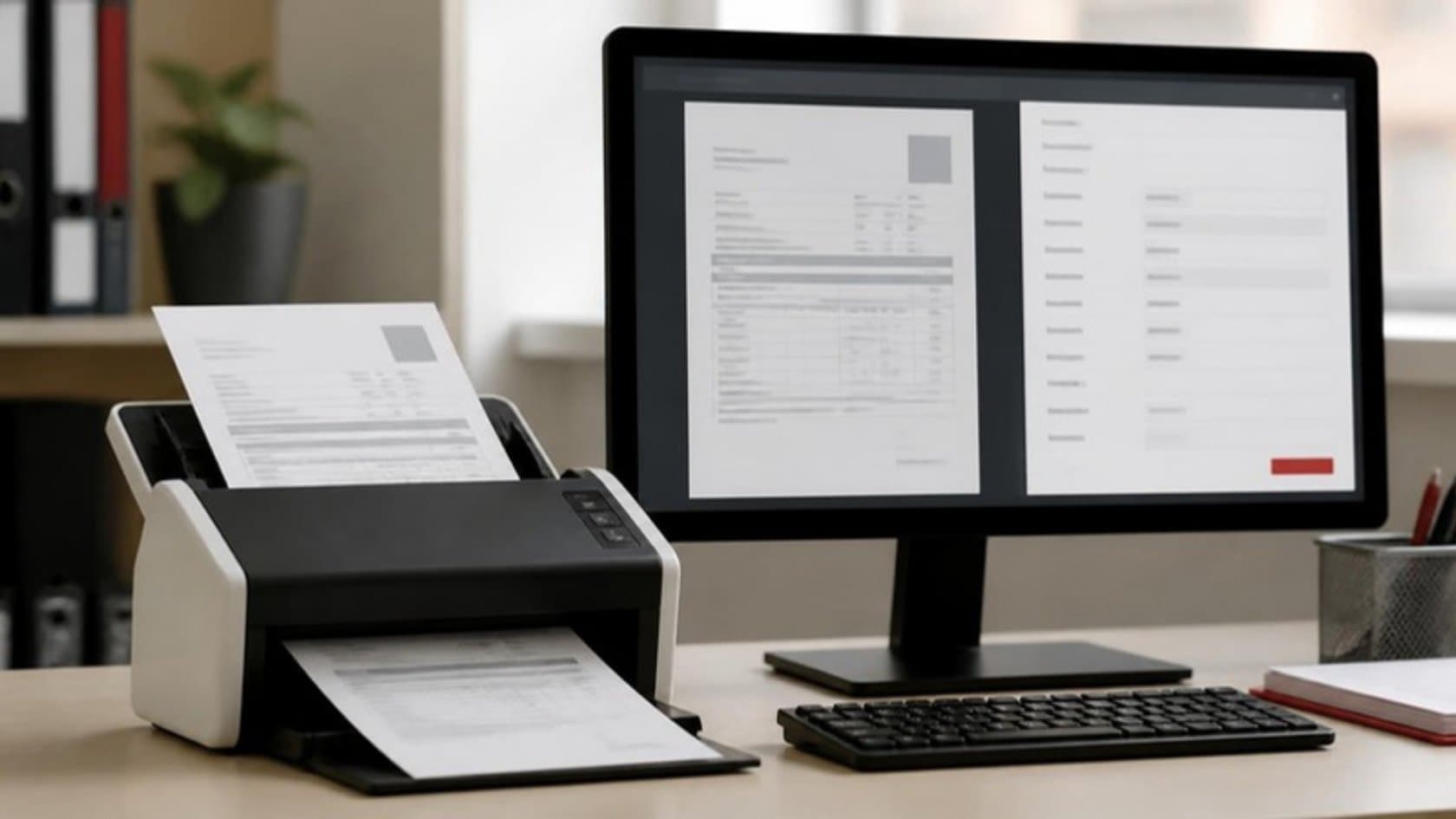
Every week, someone in your business opens a PDF invoice, reads the supplier name, the order number and the total, and types them into another system. Then they do it again, a few hundred times. Intelligent document processing is software that does that reading and typing for you, checks the result against your own records, and passes on only the documents that need a person.
This guide explains how it works in five steps, how it differs from tools you may already have, and how to tell whether your document volumes justify it.
What intelligent document processing actually means
Gartner's market guide for the category describes these tools as a kind of data integration software: they extract data from documents that arrive in many formats and layouts, so the data can feed automated work and analysis. In plain terms, intelligent document processing (often shortened to IDP) turns a document a person would read into a row of data a system can use.
The "intelligent" part is the difference from older approaches. The software does not need every supplier to use the same layout. It recognizes an invoice number whether it sits top left, bottom right or inside a table, and it can read documents it has never seen before, with less certainty.
Typical documents it handles:
Supplier invoices and credit notes
Purchase orders, delivery notes and goods received notes
Application, claim and onboarding forms
Bank statements and remittance advice
Bills of lading, customs and shipping papers
Contracts, where you need a handful of terms rather than the whole text
How intelligent document processing works, step by step
Step 1: Capture
Documents arrive the way they do today: email attachments, a shared inbox, uploads to a portal, a scanner in the warehouse. The software watches those channels and collects each document as it lands. Nobody has to forward anything.
Step 2: Classify
Before reading the details, the software works out what each document is. An invoice goes one way, a delivery note another, a supplier's marketing brochure gets set aside. A single email with three attachments becomes three documents, each sorted on its own.
Step 3: Extract
Now it reads the fields you care about: supplier, invoice number, dates, line items, quantities, tax, totals. Scanned paper is turned into text first, then the fields are found by meaning rather than by fixed position on the page.
Each value comes with a confidence score. Microsoft's documentation for its own document service explains it plainly: a confidence of 0.95 means the value is likely correct 19 times out of 20. Where accuracy is critical, you can use the score to decide whether to accept a value automatically or send it for human review.
Step 4: Validate
This step is where most of the value sits, and where cheaper tools stop short. Extracted data is checked against what you already know:
Does this supplier exist in your ERP, with these bank details?
Does the invoice match a purchase order, and do the quantities match what the warehouse received?
Do the line items add up to the total, and is the tax calculated correctly?
Have you seen this invoice number from this supplier before?
A document that passes every check goes straight through. One that fails goes to a person with the reason already marked, such as "price differs from the order by 4 units".
Step 5: Post and log
Clean data is written into the system that needs it: your ERP, accounting package, CRM or claims system. Every step is logged, so you can trace any figure back to the document and page it came from. That trail matters to your auditors as much as to your team.
IDP compared with OCR, templates and RPA
Owners often ask whether they already have this. You might have part of it. Here is how the common options differ.
Approach | What it does | Where it struggles |
|---|---|---|
Basic OCR | Turns an image of text into text | Has no idea which number is the total. Someone still reads and types. |
Template capture | Reads fixed positions on known layouts | Breaks when a supplier changes its invoice design or a new supplier arrives |
RPA | Works software screens the way a person would | Moves data well but does not read documents on its own |
Intelligent document processing | Classifies, extracts by meaning, validates against your records | Needs a review step for low-confidence values and genuinely unusual documents |
These are not either-or choices. A typical setup uses IDP to read the invoice, a workflow automation layer to route it for approval and post it, and RPA bots where an old system or supplier portal offers no other way in.
Is it worth it for your volumes? A quick checklist
Intelligent document processing earns its cost when several of these are true:
Your team handles hundreds of similar documents a month, not a few dozen.
The same fields get typed into the same systems every time.
Documents come from many senders with different layouts.
Errors are costly: duplicate payments, wrong prices, missed delivery shortfalls.
Month-end or peak season means overtime spent on data entry.
You have the reference data to check against, such as purchase orders and a supplier master.
If only one or two apply, a simpler fix may serve you better. Asking your three largest suppliers to send structured e-invoices, for example, removes the reading problem for a large share of volume.
That shift is coming anyway in some markets. Under the EU's VAT in the Digital Age package, adopted in March 2025, member states can introduce mandatory e-invoicing, and digital reporting for cross-border business sales follows from 2030. Structured e-invoices reduce the need for document reading, but most firms will keep receiving PDFs and paper from smaller suppliers, other markets and other document types for years. Plan for both.
What to settle before you start
Choose one document type. Supplier invoices are the usual first pick because the checks are clear and the volumes are high.
Collect a real sample. A few hundred documents, including the ugly ones: faxes, photos taken on a phone, multi-page statements.
Write down your rules. Which mismatches can be accepted, which need a buyer, which need a manager. Tolerances on price and quantity.
Agree the review step. Who sees low-confidence values, and how fast they need to clear them.
Decide where data lives. If your policy requires documents to stay in your own cloud account, the processing should run there too.
Measure the baseline. Documents per month, minutes per document, error rate today. Without these you cannot tell whether the project paid off.
When we build these, the documents and records stay inside your own systems where your policy requires it, and the matching rules are yours to set. Only the documents that do not match reach your accounts team, with the difference already marked, and nothing outside your rules is posted or paid on its own.
Related reading: Workflow Automation vs. RPA: Which One Fits Your Business? · Accounts Payable Automation: A Step-by-Step Guide
See where your paperwork goes
If invoices or forms are taking up your team's week, our free 5-day audit follows the paperwork through one department, estimates the hours each step takes and names the three tasks where automation would give the most time back. You keep the plan whatever you decide.