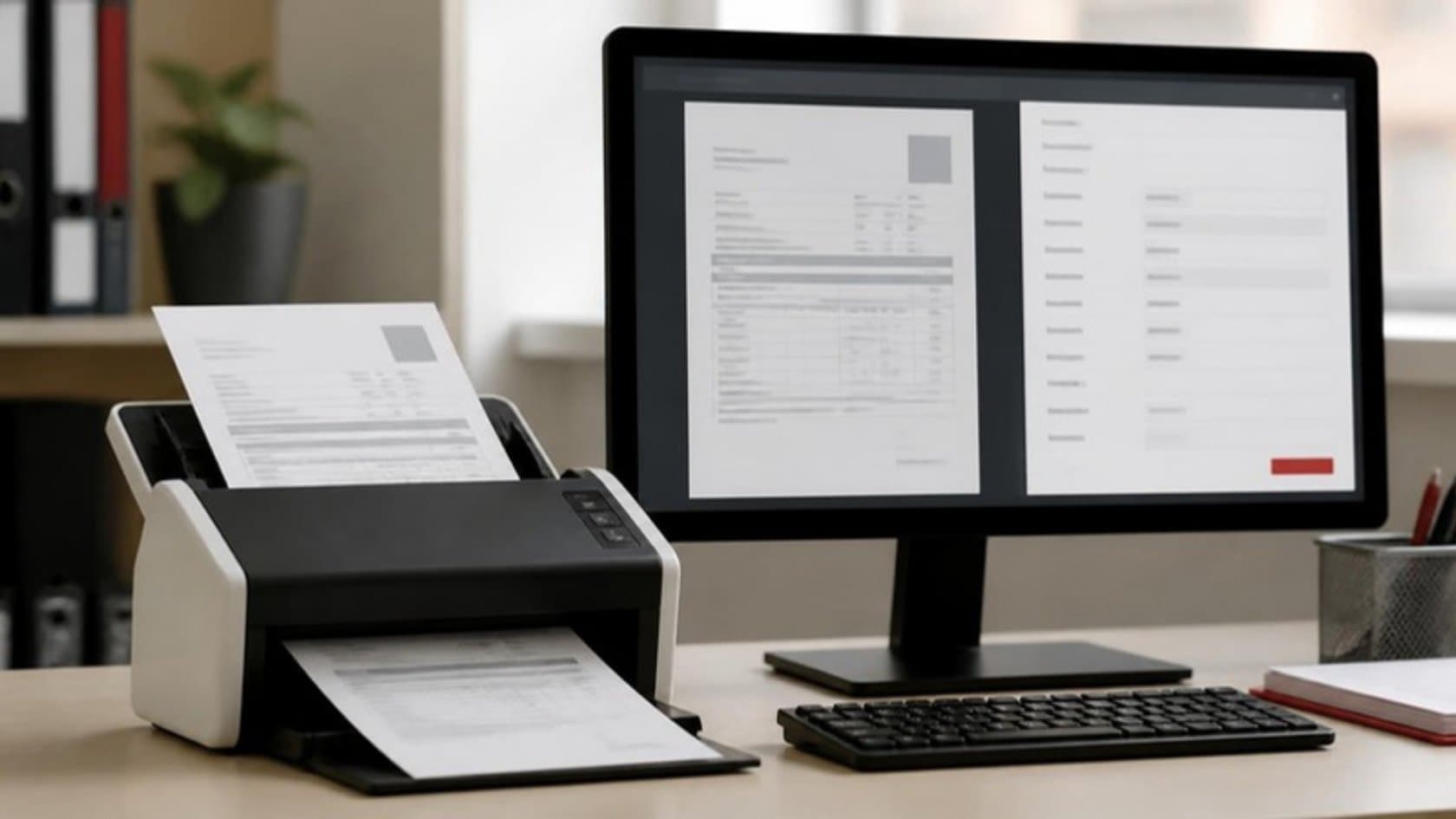
Every supplier invoice your team keys in by hand goes through the same routine: open the email, type the figures, find the purchase order, chase an approver, post it, pay it. Accounts payable automation takes over the repetitive part of that chain, so your team only handles the invoices that genuinely need a person.
This guide is written for owners and finance leads at mid-size firms. It covers what to measure first, what to automate and in what order, and which controls should stay firmly in human hands.
What good accounts payable looks like
It helps to know what the strongest teams achieve. Ardent Partners tracks AP performance every year, and its top group (the fifth of companies with the lowest invoice costs and fastest cycle times) processes invoices at 78 percent lower cost and 82 percent faster than everyone else, with a 59 percent lower exception rate.
Those teams did not get there by typing faster. They capture invoices electronically, match most of them automatically and spend their time on exceptions.
Step 1: Measure how your invoices move today
Before you change anything, write down a baseline. You will need it to judge whether automation worked.
Invoices received per month, and from how many suppliers
How they arrive: emailed PDF, paper, supplier portal or e-invoice
Average days from receipt to approval, and from approval to payment
How many invoices need someone to chase or fix them (your exception rate)
Late-payment charges paid and early-payment discounts missed last year
Hours your team spends on AP each week
Follow a handful of real invoices from inbox to bank. You will usually find steps nobody listed, such as a spreadsheet one person keeps to track approvals.
Step 2: Clean up your supplier records
Automation follows your data faithfully, including its mistakes. Before you switch anything on, fix the supplier master file:
Merge duplicate suppliers
Fill in tax IDs, payment terms and remittance emails
Confirm bank details through a channel you trust, and record who confirmed them and when
Close suppliers you no longer use
This is unglamorous work. It also removes a common hiding place for duplicate and fraudulent payments.
Step 3: Capture invoices without retyping
Start by reducing paper. Ask your largest suppliers to send e-invoices or consistent PDFs to one dedicated address. Then let software read what arrives.
Modern capture tools pull supplier, invoice number, dates, line items and tax from PDFs and scans. Good ones also report how confident they are in each field. Low-confidence fields go to a person to check, and everything else flows on.
AI helps most with messy, unusual layouts and with invoices that need some reading, such as a service invoice that refers to a contract instead of a purchase order. That is where an AI agent can prepare the match and a note for the approver.
Step 4: Set your matching rules
Matching is where most of the time savings come from. Decide which invoices need which check:
Match type | What it checks | Typical use |
|---|---|---|
Two-way | Invoice against purchase order: supplier, items, price, quantity | Services and items without a goods receipt |
Three-way | Invoice against purchase order and goods received note | Physical goods into a warehouse or plant |
Non-PO | Invoice against a contract, a budget line or a recurring amount | Utilities, rent, subscriptions, professional fees |
Set tolerances you are comfortable with, such as a small price difference that can pass automatically. Anything outside them stops and goes to the right person, with the difference already marked.
Step 5: Route approvals by your own limits
Write down your approval matrix: who can approve what, up to what amount, for which cost center. Then let the workflow apply it every time.
Approvers get a single request with the invoice, the order and the reason attached
Reminders and escalations go out automatically, so nobody has to chase
Delegation covers holidays and sick leave
Every approval is logged with a name and a time
This is the heart of workflow automation for finance: your rules, applied the same way on every invoice, with a record you can show an auditor.
Step 6: Build fraud controls into the process
Payments fraud is common, and AP sits right in its path. In the Association for Financial Professionals' 2025 survey, 79 percent of organizations said they experienced actual or attempted payments fraud in 2024. Business email compromise was the most common route, cited by 63 percent, and 45 percent reported vendor impostor fraud.
The losses are large. The FBI's Internet Crime Complaint Center recorded more than $2.7 billion in reported business email compromise losses in 2024 alone.
Automation can help here, as long as the key decisions stay with people:
Bank detail changes are never accepted by email alone. A person confirms them by phone on a number already on file, before any payment goes out.
Automatic flags for duplicate invoice numbers, changed bank details, new suppliers and sender addresses that do not match the supplier's usual domain
Separation of duties, so the person who adds a supplier cannot also approve its invoices or release payment
Payment release by a named person, every time
Step 7: Connect to your ERP and bank
Approved invoices should post to your ERP or accounting system without retyping, and payment files should go to your bank in the format it expects.
Where your ERP has an API, the connection is direct and reliable. Where it is older and offers no other way in, a software robot can type the entries into its screens the way your staff do today. Our RPA services cover that case, and a direct connection is always preferred when one exists, because it breaks less often.
Close the loop with reconciliation: payments matched to bank statements, and remittance advice sent to suppliers automatically.
Step 8: Run a pilot alongside the manual process
Pick one entity, one site or one group of suppliers. Run the automated process next to the manual one for a few cycles and compare:
How many invoices went through with no human touch
How many stopped, and the reasons
Days from receipt to approval, against your baseline
Any differences between the automated postings and your team's
Switch off the manual process only when the numbers satisfy your finance lead. Then widen the rollout, using the exception reasons to decide what to fix next.
What changes for your accounts team
Automation changes the work more than it removes the people. Once routine invoices match and post themselves, your AP staff spend their days on different things:
Resolving the exceptions, with the reason for each one already marked
Answering supplier questions, helped by a clear status on every invoice
Checking new suppliers and bank details properly instead of in a rush
Giving the finance lead an accurate view of what is owed and when it falls due
Tell the team early what the project is for and involve them in setting the rules. They know which suppliers always send odd invoices and which approvers always sit on them, and that knowledge belongs in the design.
A quick readiness checklist
A baseline of volume, cycle time and exception rate
A clean supplier master file with verified bank details
A written approval matrix that finance and management have agreed
Matching tolerances you are comfortable with
One named owner for the project on your side
Access to your ERP and bank formats for the build team
See it in practice: Shopify Tally Integration with Reviewed GST Mapping
Related reading: Intelligent Document Processing: Turning Forms and Invoices into Data · Automation ROI: How to Calculate the Return on Process Automation
Mistakes that slow accounts payable automation down
Automating a broken process. If approvals already stall because nobody knows who signs what, software will only stall faster.
Chasing full automation. Some invoices will always need a person. Aim to remove the routine ones, not every one.
Ignoring suppliers. A short note asking them to send invoices to one address in a consistent format pays back quickly.
Treating fraud controls as optional. Faster payment without verified bank details simply means faster losses.
No one watching the exceptions. The reasons invoices stop are your list of what to fix next.
If invoices are piling up on your accounts team's desks, we can look at the process with you. A free 5-day audit of one department maps how invoices move today and which steps are worth automating first. Or book a 30-minute call with a founder to talk it through.