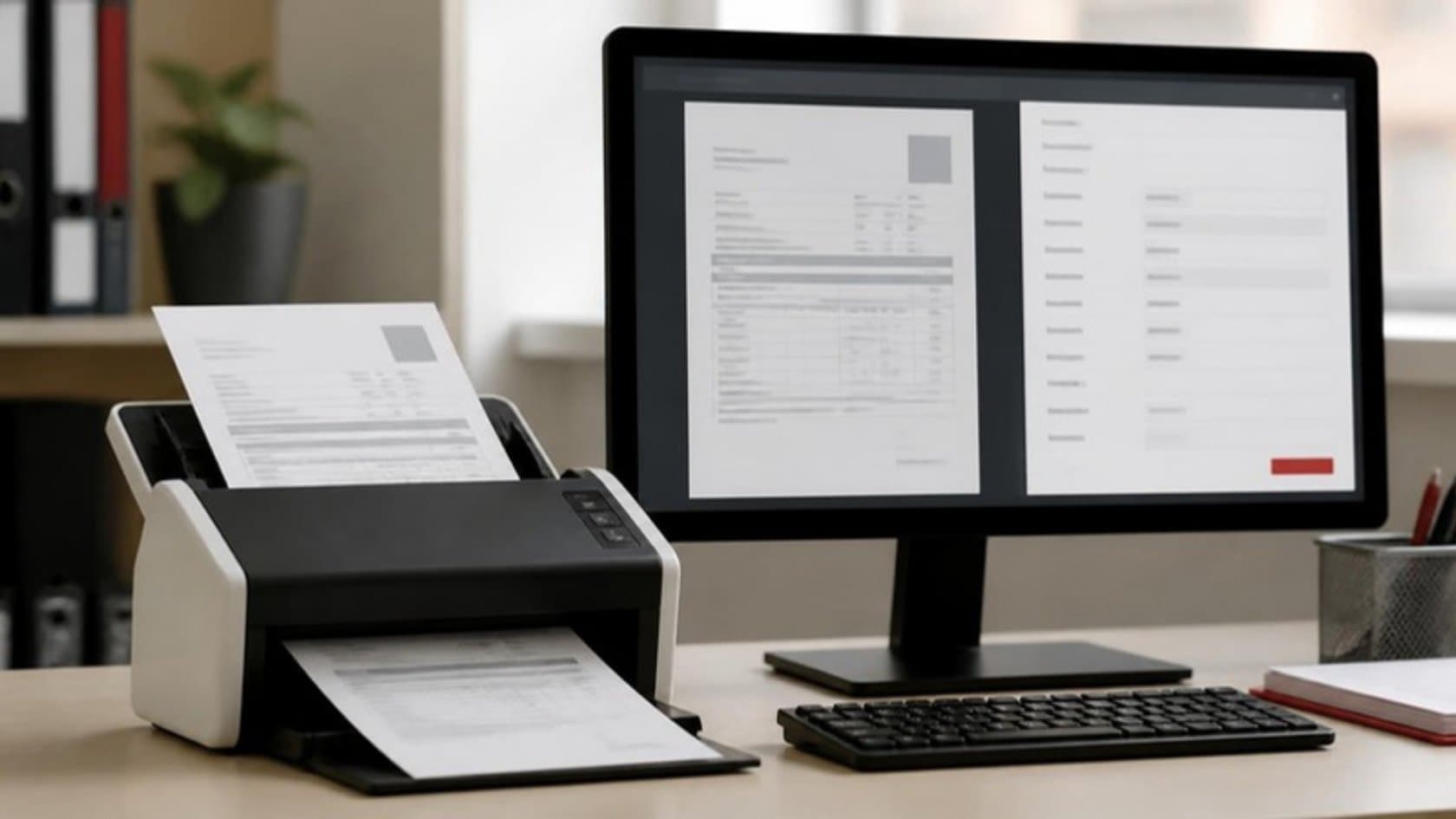
For many mid-size firms the first week or two of every month belongs to the close. Your finance team chases missing invoices, matches bank lines by hand, rebuilds the same reconciliations in spreadsheets and writes variance notes late at night. Month-end close automation moves the repetitive parts of that work into software that runs all month, so the close becomes a few days of review instead of a scramble.
This post shows which tasks to automate, which stay with your people, and the order that tends to work.
How long a close should take
Benchmarks give a useful reference point. APQC, which collects process benchmarks from thousands of organizations, reports a median of about six calendar days from running the first monthly trial balance to completing the consolidated monthly financial statements. That count includes weekends, and it starts only once the trial balance exists, so the work before it is extra.
If your team regularly needs two weeks or more, the gap is rarely about effort. It is about work that waits for month-end when it could have happened as transactions came in.
Where the days go
Ask your controller to list every close task and roughly how long each takes. The list usually falls into three groups:
Collecting: waiting for invoices, expense claims, stock counts and figures from other entities.
Matching: bank reconciliations, intercompany balances, supplier statements, accruals checked against purchase orders.
Explaining: variance analysis, commentary for management, answering "why is this number different?"
Then look at when each task can start. Many close tasks wait for month-end only because that is when someone has time for them, not because the data arrives then.
Bank lines exist the day after a payment. Most supplier invoices arrive during the month. Intercompany charges are known when they are raised. That timing is where the days can be won back.
Collecting and matching are rule-based and repetitive. They are what automation does well. Explaining needs judgment, though software can prepare the first draft.
Month-end close automation, task by task
The table below compares how common close tasks run by hand with how they run once automated, and what your team still owns.
Close task | By hand | Automated | Your team still |
|---|---|---|---|
Bank reconciliation | Downloading statements and ticking lines in a spreadsheet at month-end | Bank feeds matched to the ledger daily by set rules | Clears the unmatched items |
Supplier invoices and accruals | Chasing invoices, keying them in, estimating what's missing | Invoices read and matched to purchase orders and receipts as they arrive; uninvoiced receipts listed for accrual | Approves postings and unusual accruals |
Intercompany balances | Emailing other entities and comparing balances in week one | Balances compared throughout the month with differences flagged | Resolves disputes between entities |
Recurring journals | Re-entered or copied from last month | Generated from templates and schedules | Reviews and approves |
Balance sheet reconciliations | Rebuilt in spreadsheets every month | Prepared from the ledger with supporting detail attached | Signs off each account |
Variance commentary | Written from scratch after the numbers settle | First draft prepared from the data, with the largest movements flagged | Edits, adds context, decides what management sees |
Close checklist | Spreadsheet tracker updated by email | Tasks assigned, chased and tracked automatically | Owns the timetable |
The pattern is the same in every row. Software does the matching and the chasing. People handle the exceptions and approve anything that posts to the ledger.
Move work out of month-end
The biggest gain comes from doing the same steps continuously through the month.
When bank lines are matched every day and intercompany balances are compared every week, the close starts with most of the work already done. What's left is the genuinely unusual: a payment nobody recognizes, a supplier who billed twice, a balance that doesn't agree. Your controllers spend their time on those, which is what you hired them for.
A sensible order to automate in
Map the current close. Every task, owner, system and how long it takes. You need this baseline to prove the improvement later.
Start with bank reconciliation. It is high-volume, rule-based and easy to measure. A good first win builds trust.
Add supplier invoices and accruals. Reading invoices, matching them to orders and receipts, and listing what is received but not yet billed.
Tackle intercompany if you run more than one entity. It is often the step that holds the whole timetable back.
Automate the checklist and reconciliations. Tasks assigned, chased and evidenced without a spreadsheet tracker.
Then draft the commentary. With clean, early numbers, software can prepare variance explanations for your team to edit.
Each step should run alongside the manual process for a cycle or two before you switch over. Compare results line by line, and only retire the spreadsheet when the numbers agree.
Keep control while you speed up
Auditors and finance leaders rightly worry that automation weakens control. Done properly, it does the opposite, because every step is logged the same way every time. Set it up so that:
Nothing posts to the ledger without approval from a named person, with limits set by amount and account.
The person who sets the matching rules is not the person who approves the postings.
Every automated match, journal and exception keeps a record of what was done, by which rule, and who approved it.
Rules are reviewed when a bank, supplier or chart of accounts changes.
Bring your auditors in early. Showing them the approval steps and logs before go-live saves questions at year-end.
Where AI helps, and where it doesn't
Finance teams are already using AI for parts of this work. A Gartner survey found 58% of finance functions were using AI in 2024, with intelligent process automation and anomaly and error detection among the most common uses. The 2025 edition found adoption had leveled off at 59%, with accounts payable automation and error detection still near the top of the list.
In the close, AI is useful for reading invoices that don't follow a template, spotting entries that look out of pattern, and drafting first-pass commentary. Fixed matching rules handle the predictable bulk. Neither should approve its own work. That stays with your team.
The same Gartner research named inadequate data quality and availability as one of the two biggest obstacles to AI adoption in 2024. If your chart of accounts, vendor list or entity structure is messy, fixing it is part of the project, not a side task.
What to measure
Business days from period end to signed-off management accounts.
Share of bank lines and invoices matched without a person.
Number of post-close adjustments.
Overtime hours in the finance team during close week.
Record these for two or three closes before you change anything, then keep tracking them. Shaving days off the close means little if the team spends the following week fixing entries, so track post-close adjustments alongside the day count.
See it in practice: AI Accounts Receivable Assistant for Invoice Follow-Ups
Where to start with month-end close automation
Our workflow automation work connects your ERP and bank feeds so matching and chasing happen through the month, with your controllers approving rather than rebuilding spreadsheets. Where older systems have no other way in, our RPA services fill the gap. If you would like to see which close tasks your team could hand over first, book a 30-minute call with a founder, or ask for the free 5-day audit of your finance department.