
The problem
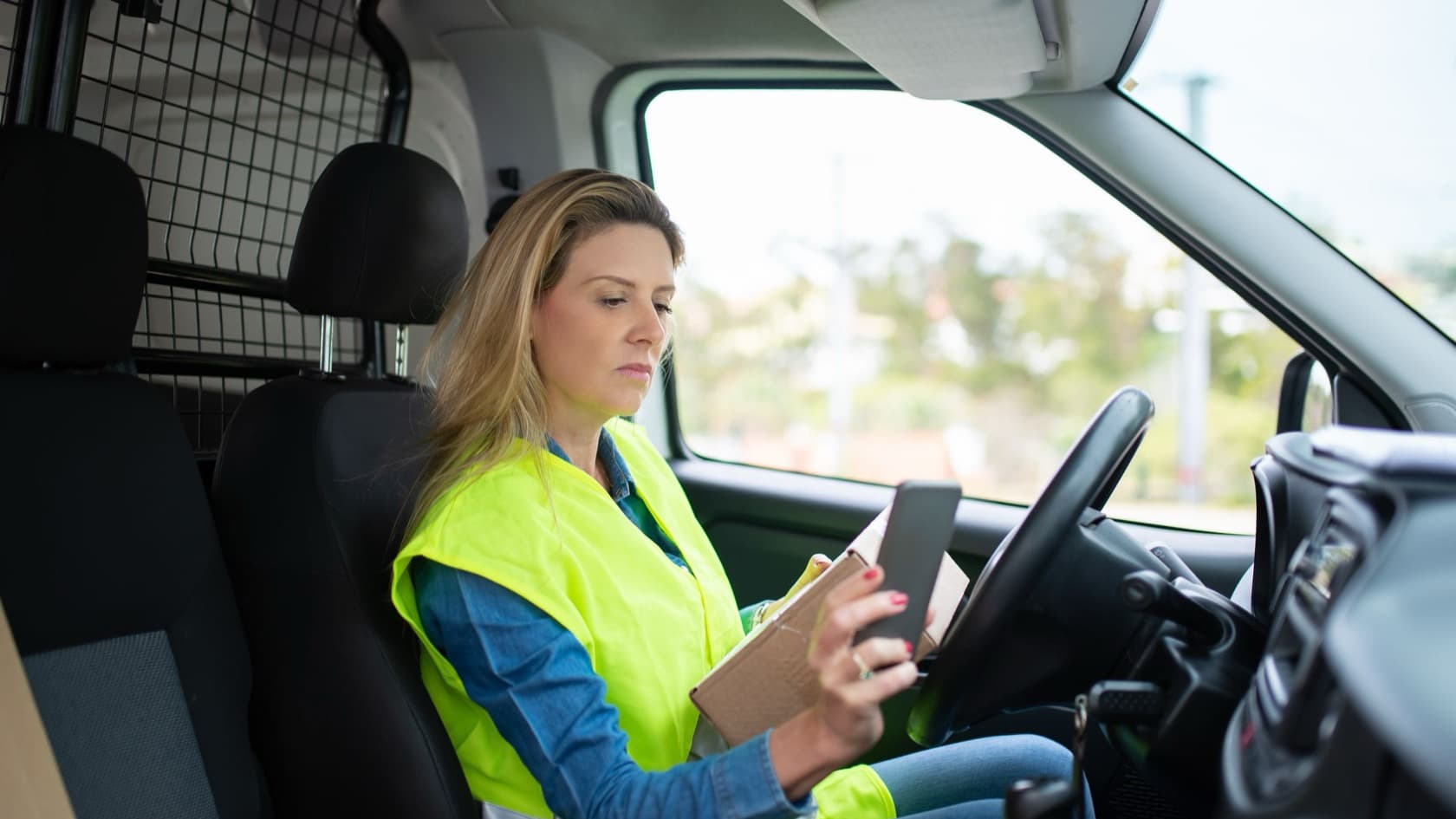
Distribution and service businesses run on field visits. Sales reps check stock at retailers, technicians close service calls, and supervisors inspect sites.
A common setup is a Google Form on every phone, feeding one shared sheet. Google Forms to WhatsApp alerts fix what that setup misses: the urgent report that nobody sees in time.
The form itself works. Staff fill it out, the answers land in Google Sheets, and the data is all there.
The trouble is reading it. A retailer out of your best-selling item, a customer threatening to switch suppliers, a payment dispute: each one sits in the sheet as just another line until somebody happens to notice it.
The patterns are harder still. The same outlet reporting a stock-out three weeks running, or several reps mentioning the same competitor offer, only shows up if someone reads every remark. Most owners never have that hour.
What we would build
We would keep your form exactly as it is and add a connector behind the sheet:
Response trigger. A Google Apps Script trigger on form submit, or a short poll of the Sheets API, hands each new response to the connector as soon as it is filed.
Rules check. Clear signals are handled by fixed rules. If the form says "stock-out: yes" or the order value is above a set amount, the report is flagged without any AI.
AI reading step. A language model reads the free-text remarks for problems the rules miss, such as a complaint, a delivery delay or a competitor's offer. It rates urgency and gives a one-line reason.
WhatsApp sender. Flagged reports go to the manager for that route or region through the WhatsApp Business Platform, using a short template Meta has approved. Managers reply to mark the alert as seen or handled, and the sheet updates.
Weekly digest. Every Monday, AI reads the past week's reports and writes a one-page summary by area for the owner, sent on WhatsApp or by email.
How it works
A sales rep visits a general store on their route and fills out the form: stock of your two main products, the order taken, and a remark. The remark says the store owner is unhappy because last week's delivery came two days late and a rival distributor has offered credit terms.
No rule fires, because the order went through and nothing is out of stock. The AI step reads the remark, tags it as a delivery complaint with a competitor risk, and rates it high.
Within minutes, the area manager gets a WhatsApp message with the outlet name, the rep, the issue and a link to the full report. They call the store owner that afternoon and reply "handled", which marks the row in the sheet.
On Monday, the owner's digest notes that late-delivery complaints came from three outlets on the same route that week. It also notes that the rival's credit offer was mentioned four times across two areas.
What the AI does, and what your team decides
The AI step reviews free-text remarks, suggests a category and urgency, and writes the weekly summary. It never messages your customers or retailers, changes an order, or decides who is at fault.
Your team decides which categories trigger alerts, who receives them for each area, and what counts as urgent. Managers decide what to do about each alert. If the AI flags too much or too little, you adjust the rules and its instructions, and the log shows you exactly where it went wrong.
What the research says
WhatsApp is already a business tool in India. A 2024 report on India by Meta and Bain & Company counts 15 million small and medium businesses using WhatsApp for Business (Meta and Bain, vendor research). Managers are likely to see an alert there before an email.
Small firms lean on manual work. The same report finds small businesses, short on resources and expertise, hold back on automation until they reach scale and rely on manual approaches. Keeping the existing form keeps the cost and the change small.
Business-started messages follow Meta's rules. Free-form messages are only allowed inside a 24-hour window the other person opens, so alerts use approved templates, and from July 1, 2025 Meta charges per template message (Meta for Developers).
Guardrails
Data access. The connector reads one form's response sheet and writes only the status columns. It sends WhatsApp messages only to the manager numbers you list.
Personal data. Only the remark text goes to the AI model, without staff phone numbers. Customer contact details stay in the sheet.
Human approval. Alert rules, recipients and templates are set by you. The AI cannot add recipients or send to anyone outside the list.
Logging. Every report processed, rule fired, AI rating, alert sent and reply received is logged, so you can check why a manager did or did not get an alert.
Related reading: AI in Construction: What Mid-Size Contractors Can Realistically Expect
Are Google Forms to WhatsApp alerts right for you?
Four questions help before you connect Google Forms to WhatsApp alerts:
Which report answers should always trigger an alert, with no AI needed?
Who covers each route or region, and who is the backup?
Do you have, or can you set up, a WhatsApp Business Platform account?
Should the weekly digest go to the owner only, or to every area manager?
See our workflow automation and AI chatbot development services, more AI use cases, or read workflow automation vs RPA.
More of this kind of work sits under our operations and logistics software.