






The challenge
A manufacturing company already ran its operations on an ERP, and it needed that system to do more. Rather than start again, it wanted manufacturing ERP customization: new functionality added to the software its team already knew.
That position is common, because factories change faster than their software. A new product line, a new customer requirement or a new monthly report for management can open a gap that the original ERP was never set up to cover. People then fill the gap with spreadsheets and side notes.
At that point a manufacturer has two broad choices. It can replace the ERP, or it can extend the one it has. This manufacturer chose to extend.
The manufacturing ERP customization we delivered
We built an extension to the manufacturer's existing ERP. We did not swap the system out. Instead, we added new functionality that works alongside the modules already in place.
An extension, not a replacement. The new work was added to the ERP the manufacturer already ran.
Built to sit alongside what was there. The added functionality works next to the existing system rather than as a separate tool.
One system for the team. Staff kept using the ERP they knew, now with more in it.
This was a focused piece of work. We describe it here at the level our project records support, and we have not named the modules involved.
How it works day to day
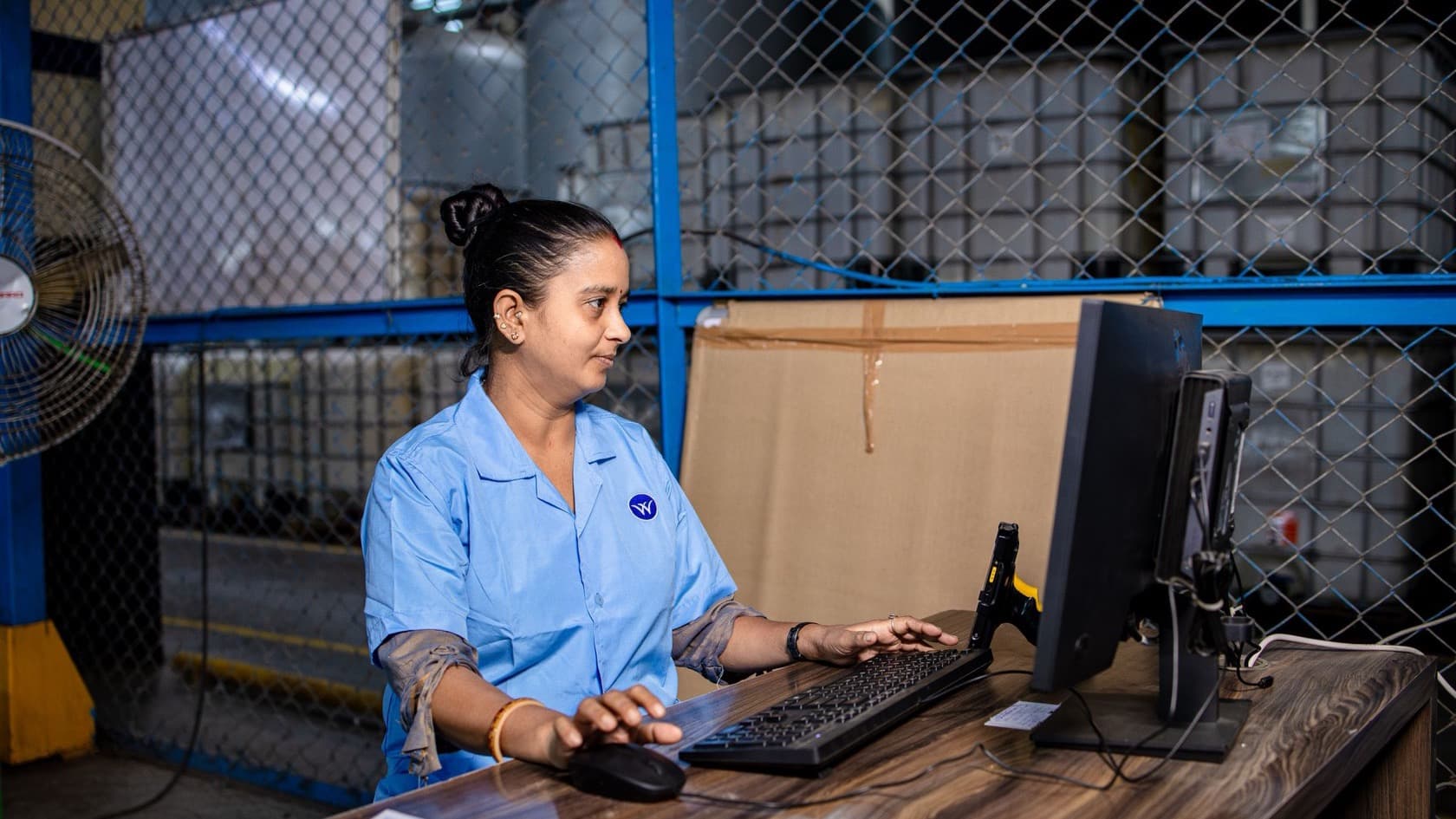
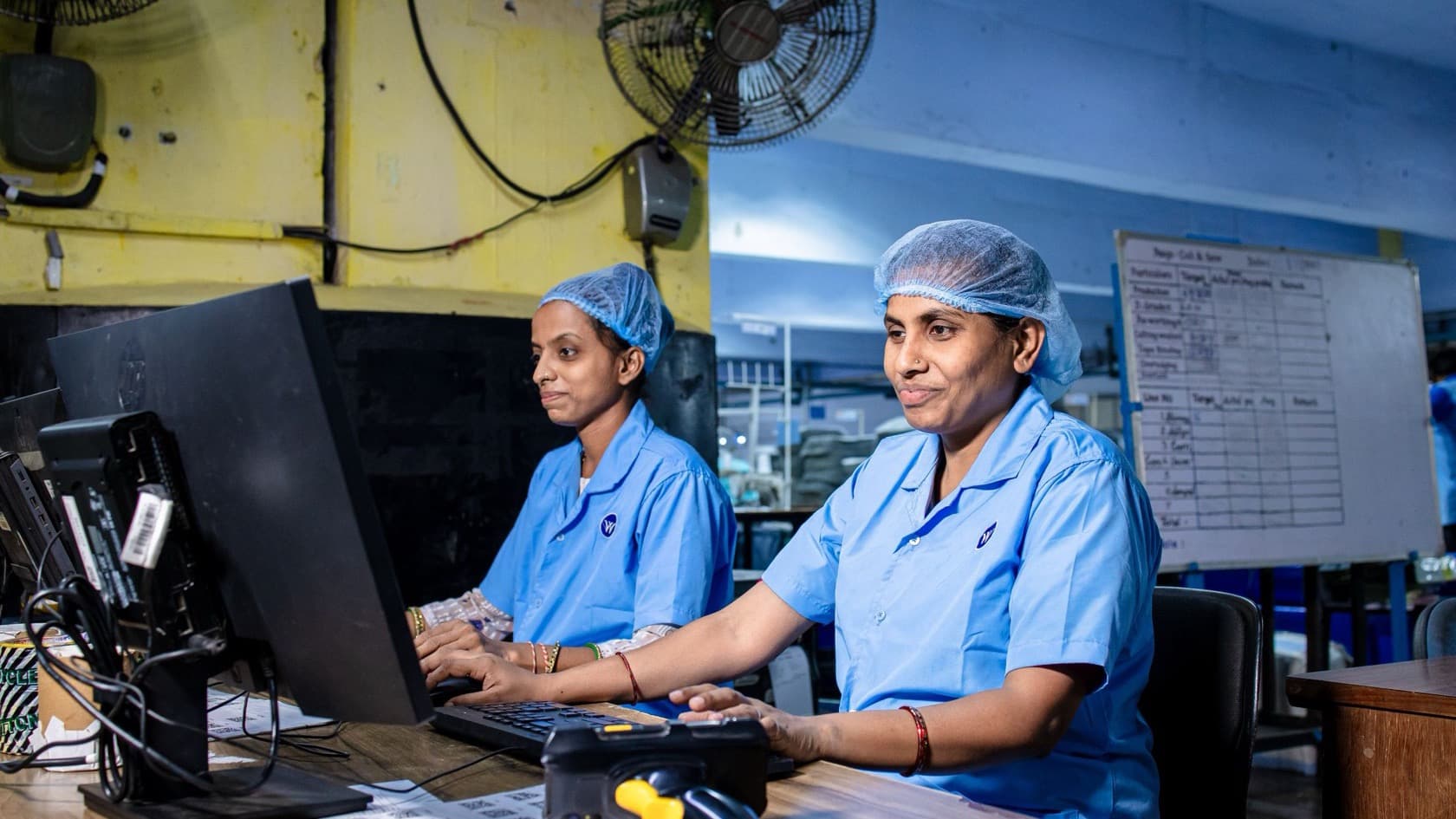
Picture someone on the manufacturer's staff starting a shift. They open the same ERP they used before the extension. The added functionality sits inside that system, next to the work they already do, so there is no second tool to open.
For the business, that is the point of extending instead of replacing. The system of record stays the same, and the new work becomes part of it. Nobody has to learn a different product to use what was added.
It also keeps future changes simple to reason about. When the next gap appears, the question is what to add to the ERP, not which system should own the data.
The result
The manufacturer kept the ERP its team already used and gained the added functionality. It did not need to move to a new platform to get it.
The system can keep growing in the same way. Each new requirement can be weighed on its own merits: add it to the ERP, or handle it elsewhere.
What the research says
The figures below describe the wider ERP market, not this manufacturer's results.
Most manufacturers already have an ERP to build on. In the EU, 57.62% of manufacturing enterprises used ERP software in 2025, compared with 46.45% of all enterprises with ten or more staff (Eurostat, e-business integration).
Packaged ERP products come with end dates. SAP provides mainstream maintenance for SAP Business Suite 7 core applications until the end of 2027. Optional extended maintenance runs to the end of 2030, at a premium of two percentage points on the maintenance basis (SAP Support, maintenance strategy).
Vendors set those dates years ahead. Microsoft will end Dynamics GP support for product enhancements, tax updates and technical support on December 31, 2029. Security updates, if needed, continue until April 30, 2031 (Microsoft Learn, Dynamics GP lifecycle).
Neither date applies to every ERP, and we are not saying which system this manufacturer runs. They show why any plan to extend an ERP should start with that system's own support horizon.
Where AI fits next
We have not added AI to this ERP; these are ideas for later. On a manufacturing ERP like this, a model could forecast raw material needs from past orders and production. Simple checks could flag unusual entries, such as a stock figure that does not match recent movements, for a person to review.
Planning something similar?
Before you extend the ERP your factory runs, answer four questions:
What exactly is missing today, and where do people work around it?
Who owns the existing system and its code, and can it be changed safely?
How long will the current ERP be supported by its vendor or developer?
Will the new work share the ERP's records, or keep data of its own?
If the answers point to a sound core with a few gaps, manufacturing ERP customization is often the smaller step. If they point to a system near the end of its life, plan the next move first.
Before any ERP change, read our list of common ERP implementation mistakes. Then compare this project with a manufacturing ERP we built around a plant's own workflows, or see how we approach ERP work and software for factories.