





Skip to content

Secure collaboration app adds encrypted video calls

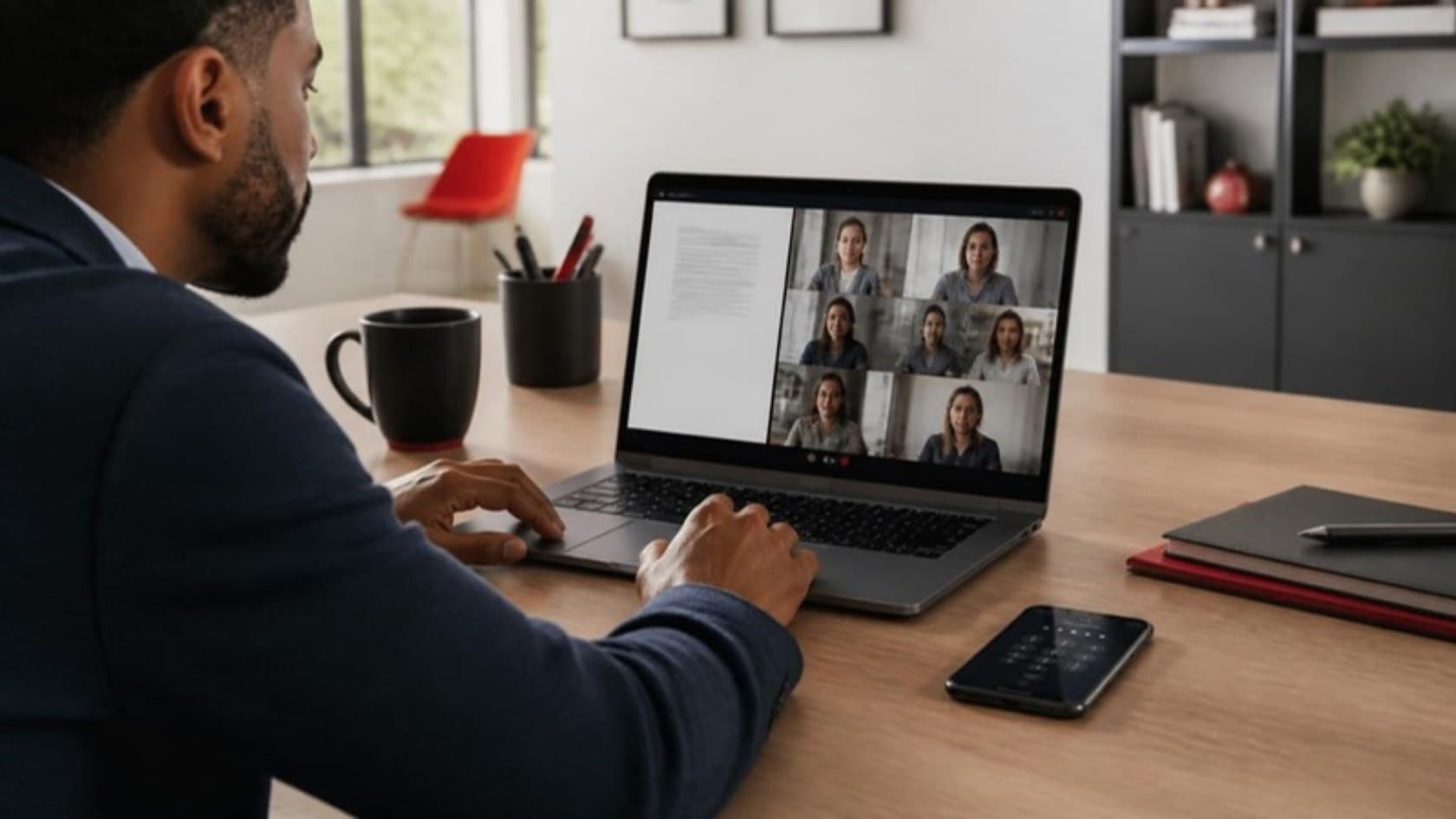
Users of the client's app were leaving the app to talk on separate video tools. We built encrypted video calls, screen sharing and meetings inside it, under the same security controls as their data.

Software products and SaaSSecure collaboration software ยท 1 min read

Professional on a secure video call with screen sharing, a PIN-locked phone beside the laptop
Client
Secure collaboration software
Industry
Software products and SaaS
Platforms
Web, Android, iOS
Download one-pager (PDF)

The numbers

  • 0separate video apps needed for a team call
  1. The challenge

    Users of the client's app had to switch to separate video apps to talk, which took their conversations outside the app's security controls.

  2. What we built

    We built video calls, screen sharing and meetings into the app, alongside end-to-end encryption, a two-level PIN and locked folders that stay hidden until the admin grants access.

  3. The result

    Teams now meet, share screens and run demos inside the app, under the same security controls that protect their data.

What the system does.

The parts of the system that made the difference for the client and the people who use it.

  • In-app video calls and meetings

    Teams meet, check in and run live demos without opening another app.

  • Screen sharing

    Explain a task by showing it on screen instead of describing it.

  • End-to-end encryption and a two-level PIN

    Conversations and stored information stay protected.

  • Admin-controlled locked folders

    Sensitive folders stay hidden until the admin grants access.

  • Re-sharing controls

    Forwarding can be blocked user by user, so information goes only where it should.

  • Search and filters

    Saved or tagged information turns up in a few keystrokes.

  • One-click save and share

    Save what you copy, or send one item to several channels, in a single click.

  • Employee handover

    Information moves from a departing user to their successor inside the app.

Built with

The tools behind it, layer by layer.

  1. Back end

    • Laravel
    • PHP
  2. Database

    • MySQL
  3. Cloud and hosting

    • AWS
  4. CI/CD and DevOps

    • GitHub Actions
    • Git
  5. Integrations

    • Jitsi
    • WebRTC

The full story

The client runs an all-in-one information management app built to stop data loss and leaks and to help teams get more done. Its owners asked us to add secure video conferencing, so users could talk, share screens and hold meetings without leaving the app..

The challenge

Remote and hybrid work made video calls part of every working day. For an app built around keeping information safe, sending users to outside video tools left a gap. The brief had to answer several problems at once:

  • Concern about data leaking or getting lost

  • Uneven performance across locations and networks

  • Internal conversations with no real protection

  • No single place to manage a full workflow

  • Dropped calls and choppy audio and video

  • Slow, awkward downloads and data transfers

The app also had to work as a personal information manager, so people could keep work and personal notes in one secure app instead of spreading them across several.

Video conferencing inside the app

The video feature makes the app a complete workflow tool. Starting a call is simple: create a link, share it and add colleagues from your organization.

  • Hold meetings, share ideas or check in with colleagues without opening another app

  • Explain a task faster by sharing your screen

  • Keep calls next to the notes and files they relate to

  • Run live demos and internal events

  • Spend less time on setup and technical hiccups

  • Give remote teams one place to talk and work together

Weighing up a call feature for your own product? Read about the benefits of a custom video conferencing solution.

Results

Teams using the app can now talk, share screens and manage their work in one secure app. The client highlights three outcomes for its users:

  • About 30 minutes saved per user each day, by the client's own estimate

  • Data protected around the clock

  • Access from multiple devices

Need a feature like this in your own product? See our custom software development services or start a project with us.

Common questions

What does the client's app do?

The client's product is an all-in-one information management app designed to prevent data loss and leaks and to help teams work faster. It also works as a personal information manager, so people can keep work and personal information in one secure place.

What problems did the app need to solve?

Concern about data leaking or getting lost, uneven performance across locations and networks, unprotected internal conversations, no single place to run a whole workflow, dropped calls with choppy audio and video, and awkward downloads and data transfers.

How does the app keep information secure?

Data is protected with end-to-end encryption and a two-level PIN. Locked folders stay hidden until the admin grants access, and re-sharing and forwarding can be blocked user by user.

Why build video conferencing into an information management app?

With calls inside the app, teams can meet, share screens, check in with colleagues and run live demos without opening another app, and their information stays where it is protected.

Which other features did we build into the app?

Search and filters across several parameters, one-click save when content is copied or shared, scheduled reminders for other users, one-click sharing to multiple channels, handover of information between employees, and tags that link items across folders.

More of our work.

Projects that used the same services or served the same industry.

See all our work

Free project estimate

Talk through a project like these.

Thirty minutes with a founder, not a salesperson. Bring the problem; leave knowing what we'd build first and what it would cost.

What you get back

  • An indicative budget range
  • A realistic timeline
  • What moves the cost up or down
  • A reply within 4 business hours
  • Answered by a founder
  • NDA on request, before you share details

Tell us what you need

A few lines is plenty. You get a number before any call.

Fields marked * are required.