

Most owners know which system in their business is the old one. It might be the ERP that was customized fifteen years ago, the order system only one person fully understands, or the server in the back room that nobody wants to restart. It still works, so replacing it never quite makes the top of the list.
The trouble is that "it still works" hides most of the cost. Old systems rarely fail all at once. They cost a little more every year to run, they stay open to attacks that newer systems have closed, they depend on a shrinking pool of people, and they make every new idea slower and more expensive to try.
This report pulls together what published research says about those costs, and what it says about the safer ways to deal with them.
About this report
This is a research review. iTechnoSol has not run its own survey for it, and none of the figures below come from our own clients or projects. Every number is taken from a published source, linked where it appears and listed in full at the end, with the year it was published.
Some of the strongest evidence comes from US government audits and large-company surveys. A mid-size firm is not a federal agency or a $1 billion bank, so we treat those figures as signals of direction, not as predictions for your business. Where a study is older or was run by a vendor, we say so.
Finding 1: Running old systems takes most of the budget, and it grows
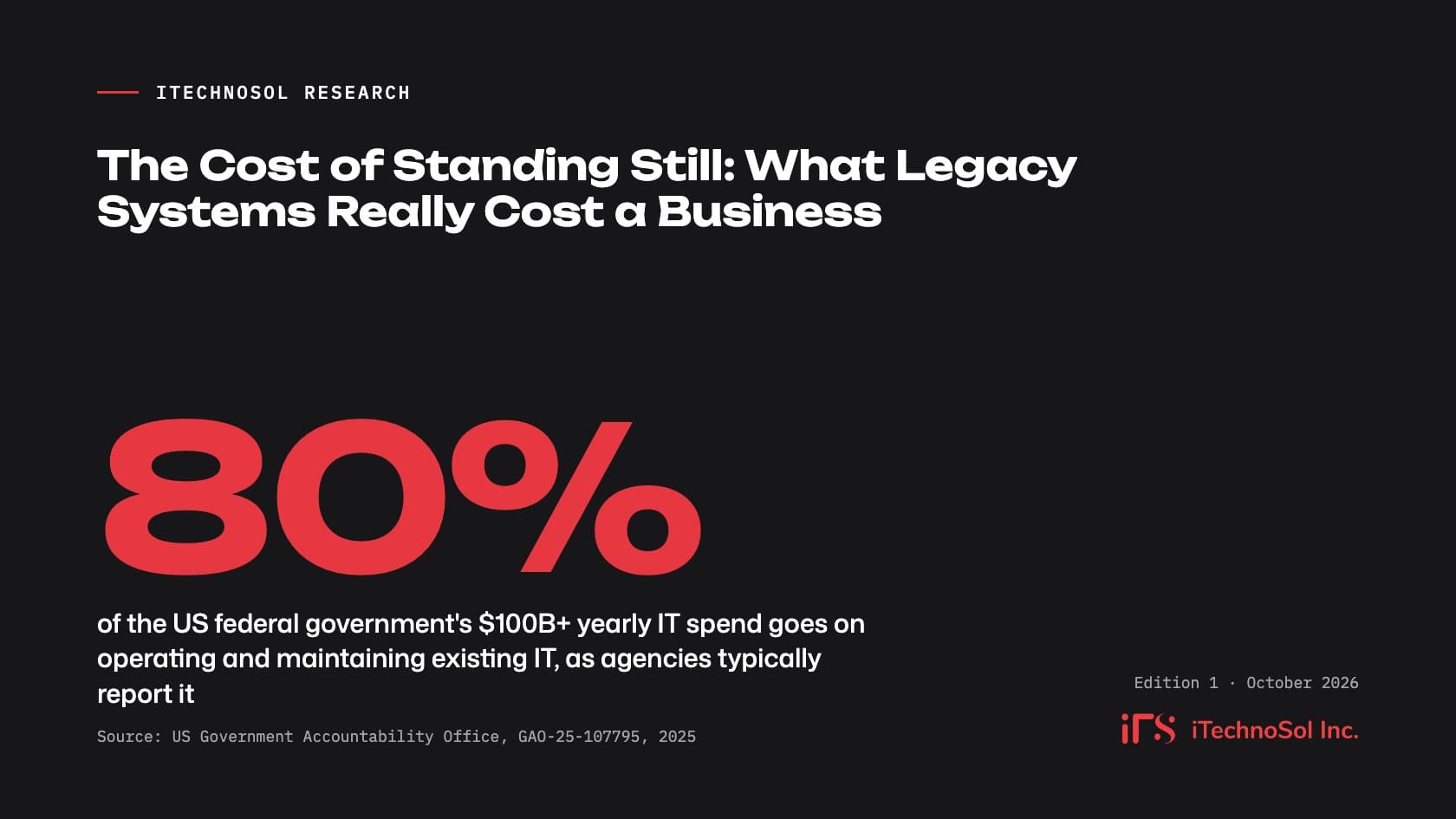
The clearest public data on legacy running costs comes from the US federal government, which audits its own systems. In July 2025 the Government Accountability Office (GAO) reported that the government spends more than $100 billion a year on IT and cyber investments, and that agencies typically report spending about 80 percent of it on operating and maintaining existing IT.
The same 2025 report looked at the 11 federal legacy systems most in need of modernization. They ranged from about 23 to 60 years old and together cost about $754 million a year just to operate and maintain. GAO's plain summary: "The cost of operating and maintaining legacy systems increases over time."
Private-sector numbers point the same way. A 2020 McKinsey survey of 50 CIOs at financial-services and technology companies with revenues above $1 billion found that 10 to 20 percent of the technology budget meant for new products was being diverted to problems caused by tech debt. Those CIOs estimated that tech debt amounted to 20 to 40 percent of the value of their whole technology estate before depreciation.
At the scale of a whole economy, the Consortium for Information & Software Quality (CISQ) estimated in its 2022 report that accumulated software technical debt in the US had reached about $1.52 trillion. That is the estimated cost of reworking software that was built or patched in ways that now need fixing.
What this means for you
Your old system probably does not show up as one large line in the accounts. Its cost is spread across support contracts, workarounds, extra staff hours, and new projects that take longer than they should. If most of your IT spend goes to keeping things as they are, you have very little left to change anything. That is the first cost of standing still.
Finding 2: Unpatched software is now the most common start of a breach
For years, stolen passwords were the main way attackers got in. That changed in 2026. Verizon's 2026 Data Breach Investigations Report, which reviewed more than 22,000 confirmed breaches, found that exploiting software vulnerabilities was the most common first step, at 31 percent of breaches, up from 20 percent the year before. Credential abuse fell to 13 percent.
Patching is not keeping up. In the same 2026 report, only 26 percent of the most critical vulnerabilities (those in the US government's Known Exploited Vulnerabilities catalog) were fully fixed by organizations in 2025, down from 38 percent the year before. The median time to a full fix rose to 43 days, from 32.
When a breach does happen, it is expensive. IBM and Ponemon's Cost of a Data Breach Report 2026 puts the global average cost at $4.99 million, a 12 percent rise on the previous year and a record high.
Legacy systems make this worse in a specific way: once a product is out of support, no fix is coming at all. Microsoft ended support for Windows 10 on October 14, 2025, which means no more security updates or fixes for machines that have not moved on. Businesses can buy Extended Security Updates at $61 per device for the first year, and Microsoft says the price doubles every year after that, for a maximum of three years. It is a bridge, not a fix.
Governments on both sides of the Atlantic now say the same thing in plain terms:
The UK's National Cyber Security Centre states that "the only fully effective way to mitigate this risk is to stop using the obsolete product."
The UK Information Commissioner's Office lists "using in-support software" and applying software updates among the security outcomes it expects from organizations that handle personal data.
In the US, CISA's guidance on known exploited vulnerabilities tells agencies to remove a product from their networks if it is end-of-life and cannot be updated. In February 2026, CISA went further with Binding Operational Directive 26-02, ordering federal agencies to replace end-of-support edge devices such as firewalls, routers and VPN gateways within 18 months.
The federal audit shows how common this is even in critical systems: of the 11 systems GAO flagged in 2025, four had unsupported hardware or software and seven were running with known cybersecurity vulnerabilities.
What this means for you
If part of your business runs on software or devices the vendor no longer supports, you are carrying a risk that cannot be patched away. For firms that sell to larger customers, it can also come up in security questionnaires and audits. The useful question is not "have we been attacked?" but "which of our systems can no longer be fixed when the next flaw is found?"
Finding 3: People who know the old systems are getting harder to find
Every legacy system depends on someone who knows how it really works. As technology ages, that group shrinks.
The 2025 GAO report notes that two of the critical Treasury systems run on COBOL and Assembly, "programming languages that have a dwindling number of people available with the skills needed to support them." It adds that agencies have had trouble finding staff with that knowledge and "may have to pay a premium for specialized staff or contractors," and that a shortage of experts to maintain a critical system "creates significant risk."
The problem is not only about very old languages. Kyndryl's 2025 State of Mainframe Modernization survey, vendor research covering 500 business and IT leaders, found that 70 percent of organizations struggle to find people with the mix of skills modernization needs, meaning knowledge of the old platform plus newer technology. Some 74 percent rely on outside providers for that work. Kyndryl sells modernization services and the survey focuses on large mainframe users, so read it as a sign of where the market is heading rather than a measure for mid-size firms.
What this means for you
In a mid-size company, the "skills shortage" is often one person: a long-serving employee or a small outside vendor who built the system and still holds most of what anyone knows about it. If that person retires, leaves or raises their rates, you have little room to negotiate. Writing down how the system works, and who can support it, costs far less than finding out in a crisis.
Finding 4: Old systems slow down every new idea, including AI
The quieter cost of legacy software is time. Stripe's Developer Coefficient study, which surveyed developers and C-level executives in 2018, found that the average developer spent 17.3 hours of a 41.1-hour week on maintenance work such as dealing with bad code, debugging and refactoring. About 13.5 of those hours went to technical debt. The study is several years old, but it remains one of the most widely cited measures of how much engineering time goes to keeping old code alive.
The reverse also holds. In the 2020 McKinsey research, some companies found that actively managing tech debt freed engineers to spend up to 50 percent more of their time on work that supports business goals.
Integration is where this shows up most clearly today. Salesforce's 2026 Connectivity Benchmark Report, vendor research from the company behind the MuleSoft integration platform, based on a survey of 1,050 IT leaders, found that the average organization runs 957 applications and only 27 percent of them are integrated. Some 37 percent named legacy infrastructure or system incompatibility as a main challenge to adopting AI agents, and 40 percent said outdated architecture and disconnected systems were a top blocker to using their data for AI.
What this means for you
Many owners now want AI to answer customer questions, draft documents or forecast demand. All of that depends on clean data that can move between systems. If your core data sits in a system that cannot connect to anything without manual exports, the AI project becomes an integration project first. That is often where budgets and timelines slip.
Finding 5: Step-by-step modernization carries less risk than a rewrite
None of this means "replace everything at once." The research on large IT projects is a warning against exactly that.
A study by McKinsey and the University of Oxford of more than 5,400 IT projects, published in 2012, found that large IT projects (those with initial budgets above $15 million) ran on average 45 percent over budget and 7 percent over time, while delivering 56 percent less value than predicted. It also found that 17 percent of IT projects went so badly that they could threaten the existence of the company. The data is older, but it is still the most often cited evidence on how large IT projects tend to go.
Even well-funded modernization can stall. Of the 10 critical federal systems GAO flagged in 2019, agencies had finished modernizing only three by February 2025, according to the 2025 GAO report.
The alternative most engineers point to is gradual replacement. Software author Martin Fowler describes it as the Strangler Fig approach: build new parts around the old system and move work across a piece at a time. As he puts it, "Since these components are small, there isn't so much risk involved when we introduce the new software," and the business starts getting value from each piece instead of waiting years for a full rewrite.
Cloud providers say something similar. AWS's migration guidance describes refactoring during a migration as "the most complex and costly" option and generally recommends moving an application first and modernizing it afterwards.
When modernization is done, the reported returns can be strong. In Kyndryl's 2025 survey, respondents reported returns of between 288 percent and 362 percent on their modernization projects, depending on the approach. These are self-reported figures from a vendor's survey of large organizations, so treat them as encouraging rather than as a benchmark.
What this means for you
The choice is not between keeping the old system and betting the company on a new one. The safer path is usually to modernize in stages: wrap the old system so it can share data, replace the most painful or most exposed module first, and keep the business running throughout. Each step should pay for itself before the next one starts.
How to assess your own system
You do not need a technical background to get a first read on your own risk. Sit down with whoever runs your IT, internal or external, and work through these questions.
Question | Why it matters | Warning sign |
|---|---|---|
Is every part of the system still supported by its vendor? | Unsupported software gets no security fixes (NCSC, Microsoft). | Any operating system, database or device past its end-of-support date. |
What share of IT spend goes to keeping things running? | Running costs crowd out new work (GAO, McKinsey). | Most of the budget is support and fixes, with little left for change. |
How many people can safely change the system? | Knowledge held by one person is a single point of failure (GAO). | One employee or one small vendor holds the know-how, with little written down. |
How long do known security issues stay open? | Exploited flaws are now the most common way in (Verizon DBIR 2026). | No one can say how long patches take, or some can never be applied. |
Can the system share data with other tools without manual exports? | Disconnected data blocks reporting and AI (Salesforce 2026). | Staff re-key data between systems or work from spreadsheets. |
How long does a small change take to go live? | Slow change is the clearest day-to-day sign of tech debt (Stripe, McKinsey). | Simple requests take weeks, or are refused because "it might break something." |
If three or more answers fall in the warning column, the system is costing you more than it appears to, and it is worth a structured review. An independent software consultancy review can turn these answers into a costed plan.
Your modernization options
Once you know where the risk sits, there are a few standard ways to deal with each system. The names below follow the widely used "R" framework described in AWS's migration guidance. Most businesses end up using more than one.
Option | What it means | When it fits |
|---|---|---|
Retire | Switch the system off and archive its data. | Nobody really uses it, or another tool already does the job. |
Retain | Keep it for now, with a date to revisit. | It is stable, supported and low risk, or other changes must come first. |
Rehost | Move it to new infrastructure, such as the cloud, without changing the code. | The hardware is the main problem and the software itself is sound. |
Replatform | Move it with modest changes, such as a newer database or operating system. | You need to get onto supported technology quickly with limited change. |
Refactor | Rebuild parts of the system, often one module at a time. | The system holds real business logic but is slow to change or hard to connect. |
Replace | Move to an off-the-shelf product or a new custom build. | The process is standard enough for a product, or the old system no longer fits how you work. |
For systems that hold the way your business actually works, such as pricing rules, production planning or approvals, a gradual refactor or a new custom build delivered in stages is usually safer than a single switchover.
Where to start
The research is consistent on one point: the cost of an old system rarely stays flat. Running costs rise, security exposure grows as support ends, the people who understand it move on, and each new project takes longer. The safer response is rarely a dramatic rewrite. It is a clear inventory, a plan in stages, and a first step small enough to finish.
If you would like a second opinion on your own system, our legacy modernization team can help you work out what to keep, what to move and what to replace, in that order. Book a 30-minute call with a founder to talk it through.
Sources
Information Technology: Agencies Need to Plan for Modernizing Critical Decades-Old Legacy Systems (GAO-25-107795). U.S. Government Accountability Office, 2025.
The Cost of Poor Software Quality in the US: A 2022 Report. Consortium for Information & Software Quality (CISQ), 2022.
Tech debt: Reclaiming tech equity. McKinsey & Company, 2020.
The Developer Coefficient. Stripe, 2018.
Delivering large-scale IT projects on time, on budget, and on value. McKinsey & Company, with the University of Oxford, 2012.
Cost of a Data Breach Report 2026. IBM and Ponemon Institute, 2026.
2026 Data Breach Investigations Report. Verizon, 2026.
Known Exploited Vulnerabilities Catalog. Cybersecurity and Infrastructure Security Agency (CISA), Ongoing (accessed 2026).
BOD 26-02: Mitigating Risk From End-of-Support Edge Devices. Cybersecurity and Infrastructure Security Agency (CISA), 2026.
Obsolete products (Device security guidance). UK National Cyber Security Centre (NCSC), 2025 (last reviewed).
Security outcomes (A guide to data security). UK Information Commissioner's Office (ICO), Current guidance (accessed 2026).
Windows 10 support has ended. Microsoft, 2025.
Extended Security Updates (ESU) program for Windows 10. Microsoft Learn, 2025.
Mainframe modernization projects deliver 2-3X ROI (2025 State of Mainframe Modernization Survey; vendor research). Kyndryl, 2025.
2026 Connectivity Benchmark Report announcement (vendor research). Salesforce (MuleSoft), 2026.
Strangler Fig Application. Martin Fowler (martinfowler.com), 2024.
About the migration strategies (the 7 Rs). AWS Prescriptive Guidance, Current guidance (accessed 2026).