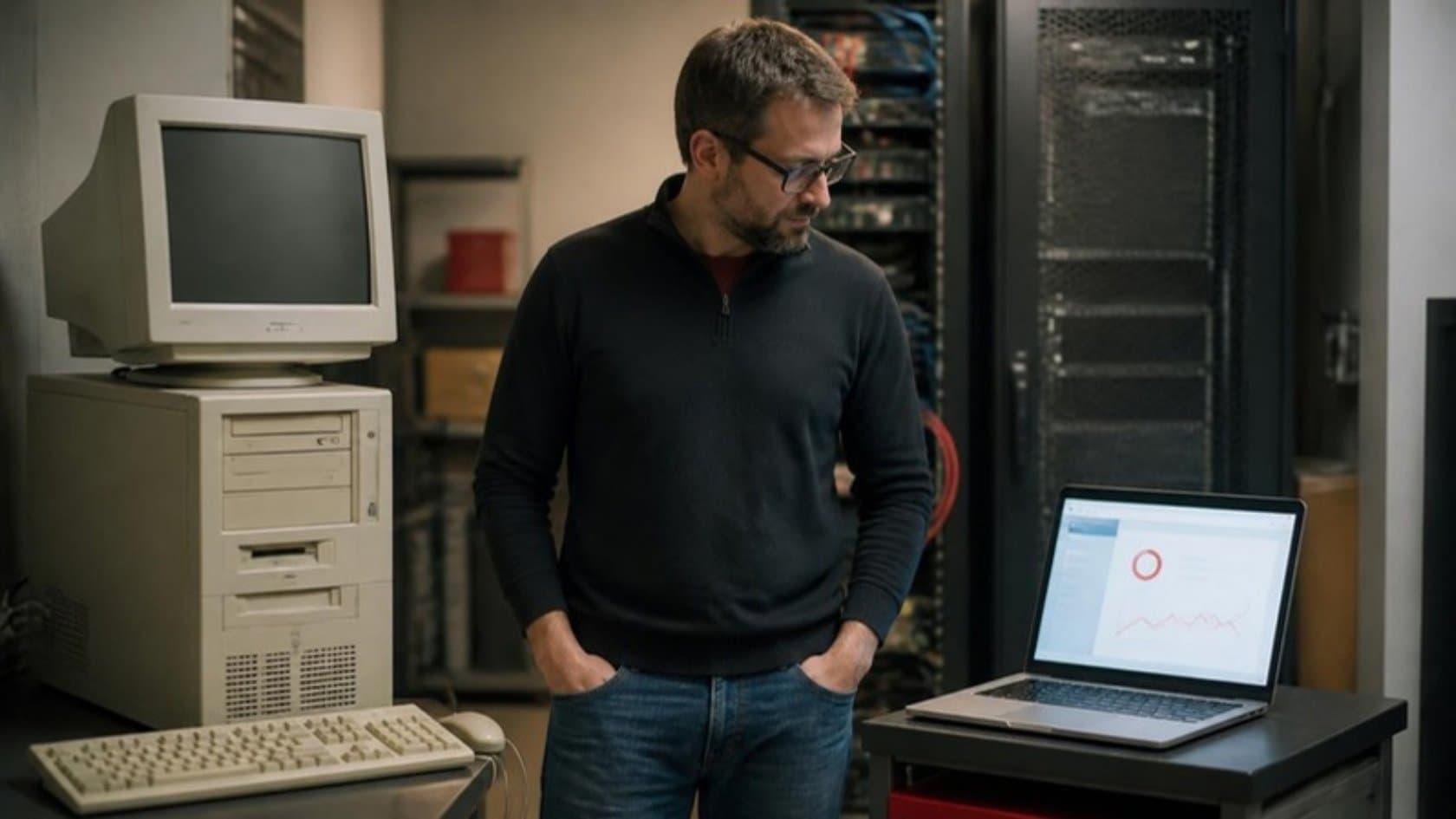
Your business software still runs the company. Orders go through it, staff know its shortcuts, and years of customer records sit inside it.
But every change has become difficult. A new report takes weeks. Connecting another application requires a workaround. The person who understands the oldest code is no longer available.
Replacing everything sounds attractive—until you consider how the business will operate while the replacement is being built.
There is another approach: replace selected functions gradually while the existing system continues handling the rest. Developers call this the strangler fig approach. For an owner, the useful idea is straightforward: improve the parts that matter without betting the whole operation on one launch.
“Without a rewrite” does not mean no new code. It means avoiding a complete, all-at-once rewrite.
Why a full rewrite can run late and over budget
An old application contains more than screens and database tables. It contains decisions your business has accumulated over years.
A customer receives special pricing. An order follows a different approval route above a certain value. A month-end report excludes a particular transaction type. Some rules are documented; others survive only in the code or in an experienced employee’s memory.
A replacement team must discover which behaviours are essential, which are mistakes and which nobody needs anymore. That makes “build the same thing using modern technology” a much less predictable brief than it first appears.
Martin Fowler identifies the risk of a single large changeover as a central reason to consider gradual replacement. Read his original explanation.
For your project, ask three questions before accepting a rewrite estimate:
Which business rules have actually been investigated?
How will necessary changes to the current system affect the replacement?
What must work before any team can use the new software?
If the answer to the last question is “almost everything,” useful delivery may be a long way off.
The idea: build beside the old system, then move work across
The strangler approach introduces new functionality alongside the existing application. Requests for a migrated function go to the new software; other work continues through the old system. As responsibilities move across, the corresponding legacy components can be retired.
This gradual routing and replacement is described in Microsoft’s Strangler Fig guidance.
Consider an illustrative distributor whose existing system handles quotations, orders, stock and invoicing. Its sales team struggles to prepare quotations, but invoicing remains dependable. A gradual modernization could begin with quotation preparation:
Build a new quotation interface.
Connect it to the approved customer and product information.
Test its pricing and approval rules.
Let a small sales group use it.
Pass accepted quotations into the existing order process.
Retire the old quotation screen once the replacement is proven.
The company improves one workflow without replacing its stock and accounting functions at the same time.
Pick the first piece carefully
The function that causes the most frustration is worth investigating. It is not automatically the best starting point. Look for a combination of business value, a clear boundary and manageable consequences if something fails.
Question | What a promising answer looks like |
|---|---|
Does this cause a measurable problem? | Staff can show delays, repeated entry or avoidable corrections. |
Can we describe where it starts and ends? | The input, output and responsible team are clear. |
Can we identify its dependencies? | We know which records and other functions it uses. |
Can a limited group try it first? | A pilot can run without moving the whole company. |
Can we recover from a failed change? | There is a tested fallback and a way to reconcile affected records. |
In the distributor example, quotation preparation might fit these conditions. Inventory valuation might not: it could depend on purchasing, returns, accounting and historical adjustments.
The first phase should deliver something useful while teaching the team how to migrate safely. Choosing an easy but irrelevant feature proves little. Choosing the most entangled feature can stall the programme before it delivers value.
How old and new run side by side
Your staff need a clear working process even while the underlying software is changing. That may mean keeping the same entry point and directing particular tasks to the new system. In other cases, a team uses a new screen while the old application continues processing downstream work.
The difficult part is often the information shared between them. Data consistency and synchronization are highlighted in AWS guidance on incremental migration.
Ask your partner to explain the arrangement using a real transaction: “A salesperson changes an accepted quotation. Where is that change saved, how does the order system receive it, and what happens if the connection fails?”
Agree which system owns each record or field. Avoid allowing both applications to change the same information independently without rules for resolving conflicts.
Also define what “up to date” means. A reporting screen may tolerate a short delay; an order confirmation may need current stock information before proceeding.
What does it cost compared with a full rewrite?
Gradual replacement is not automatically cheaper. It changes when money is spent, when benefits arrive and how much work must be committed before results can be assessed.
Cost consideration | Gradual replacement | Full rewrite with one major changeover |
|---|---|---|
Initial scope | A selected workflow and its dependencies | A broader set of functions needed for launch |
First usable result | Can arrive before the whole system is replaced | Often depends on completing much of the replacement |
Temporary overhead | Connections, monitoring and support for both systems | Continued legacy support plus replacement development |
Training | Smaller groups and workflows over several releases | More concentrated preparation for the main launch |
Retirement | Old components removed in stages | Larger retirement after changeover |
Main financial uncertainty | How long coexistence lasts | How much must be rebuilt before launch |
For budgeting, request separate estimates for:
Discovery and dependency mapping.
The first usable replacement.
Temporary connections and data reconciliation.
Testing, staff training and release support.
Ongoing operation of both environments.
Retirement of the replaced components.
A proposal that prices only the new screens is incomplete. Give each phase a business measure. For quotations, that could be preparation time and correction rate. Use the results to decide whether the next phase is worth funding.
Risks to discuss before signing with a partner
Data synchronization: How will missing, delayed or duplicated updates be detected? Who resolves discrepancies, and how quickly?
Testing: Will tests cover complete business journeys across both systems? A quotation screen can work perfectly while sending an incorrect value into an invoice.
Fallback: Can users return to the old process after the new system has accepted changes? Restoring an application version is not enough if its records are now out of date.
Staff training: Who explains the new process, updates instructions and supports the first users? Staff need to know where to work and how to report problems.
Security and access: Do new connections preserve existing permissions? A modern interface should not expose records that users could not previously access.
Retirement: What specifically allows an old component to be switched off? Include background jobs, exports, reports and occasional users in that decision.
Ask for named owners and demonstrable procedures, not just assurances that these matters will be handled.
An illustrative 12-month plan for a mid-size firm
The following is a planning example for the distributor described above. It assumes the legacy system can remain operational and a dedicated team is available. It is not a delivery estimate or a promise to replace the entire system in a year.
Period | Work | Decision before proceeding |
|---|---|---|
Months 1–2 | Map quotation and order workflows, dependencies, data ownership and current performance. | Is quotation preparation a useful, separable first phase? |
Months 3–4 | Build the quotation workflow, connections and tests using representative records. | Are pricing, approvals and downstream handoffs correct? |
Months 5–6 | Pilot with a small sales group, train users and reconcile transactions. | Does the pilot meet agreed business and reliability criteria? |
Months 7–8 | Expand usage and retire the replaced quotation function after checking remaining dependencies. | Can the old function be removed without losing needed work? |
Months 9–10 | Begin the next approved workflow, using what the first phase revealed. | Is its scope still justified by cost and value? |
Months 11–12 | Stabilize releases, review operating costs and plan remaining migrations. | What should be replaced next, retained or stopped? |
The milestone that matters is not “new code written.” It is a working business capability moved successfully, with its old dependency reduced or removed.
When gradual replacement may be the wrong choice
This approach needs time for old and new to coexist. It can be unsuitable when the current system must be retired urgently, when individual functions cannot be redirected, or when a small application would be simpler to replace outright.
These suitability considerations are discussed in Microsoft’s guidance on when to use the pattern.
Sometimes the right answer is an upgrade, a configuration change or a supported software package. Ask a partner to compare those options before proposing custom development.
Related reading: Legacy Application Migration to Cloud: Rehost, Replatform or Refactor · Legacy System Modernization: 7 Signs Your Old System Needs It · How to choose a legacy modernization partner: questions to ask before you sign
Start with the workflow that holds the business back
You do not need to approve a complete replacement to begin investigating modernization. Bring one troublesome workflow, examples of where it fails and a list of systems it touches. Ask for a discovery phase that establishes what can be separated, what must remain connected and how success will be measured.
Explore our approach to improving business processes through workflow automation.
To assess your legacy system and define a manageable first modernization phase, contact iTechnoSol.