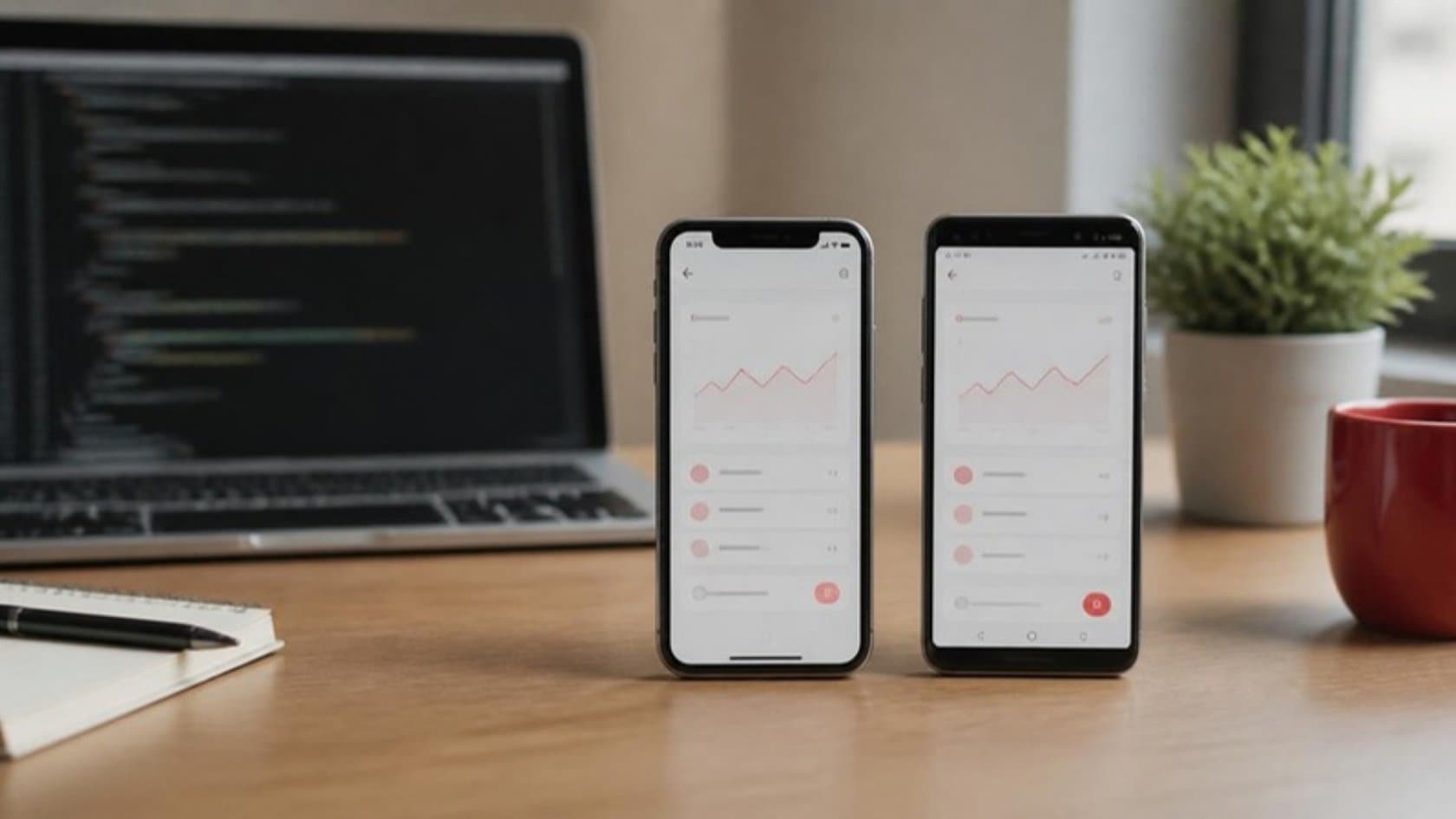
If you are planning an app for your drivers, field engineers or customers, someone will soon ask you to choose between native and cross-platform. The native vs cross-platform app development decision shapes what the first release costs, how quickly it reaches people's phones and how much work every later update takes. This guide explains both approaches in plain terms, then gives you five questions that settle the choice for most business apps.
What the two approaches mean
Native means two separate apps. One is written in Swift for iPhone, the other in Kotlin for Android. Each uses the phone maker's own tools and screen components.
Cross-platform means one codebase that runs on both. The two common frameworks are Flutter, from Google, and React Native, from Meta. Your users still download a real app from the App Store or Google Play and install it like any other.
Both options are mature. In the 2024 Stack Overflow Developer Survey, 9.4% of professional developers said they had used Flutter and 9.0% had used React Native. Finding people who can work on either is not a niche problem.
There is also a third route: a progressive web app, which is a website that can be installed on the home screen and keep working offline. We come back to it below.
Native vs cross-platform app development at a glance
What you care about | Native (Swift + Kotlin) | Cross-platform (Flutter or React Native) |
|---|---|---|
Cost of the first release | Higher, because two apps are built | Lower, because most code is written once |
Time to first release | Longer, or you need two teams in parallel | Shorter for the same scope |
Later updates | Each change is made twice | Most changes are made once |
Phone hardware (camera, GPS, Bluetooth, NFC) | Full access as soon as Apple or Google release a feature | Covers standard features; unusual hardware may need a small native add-on |
Look and feel | Matches each platform exactly | Very close; most users will not notice |
Heavy graphics, AR, games | The safer choice | Possible, with more care |
Team you need | Separate iPhone and Android skills | One team, plus some native knowledge |
For a typical operations app, the right column wins on cost and speed. The left column wins when the app lives or dies on deep hardware use or demanding graphics.
Why the choice matters less than you think for business apps
Most apps that a mid-size firm commissions are made of the same parts: lists of jobs or orders, forms, photos, signatures, maps and a sync with the office system. None of that pushes a phone hard.
The difficult work sits elsewhere. It is in what happens when a driver loses signal halfway through a delivery, how the app merges two edits to the same record, and how cleanly it talks to your ERP or CRM. Those problems take the same effort whichever framework you choose.
So treat the framework as a sensible default to agree early, and put most of your attention on the job the app has to do.
Five questions that settle it
1. Who uses the app, and on which phones?
If you issue the same company phone to everyone, say one model of rugged Android handset for the warehouse, you may only need one platform. Then a native Android app is simple, and the main saving of cross-platform disappears.
If customers or contractors use whatever phone they own, you need both iPhone and Android. That is where one shared codebase pays off.
2. Does it need deep access to the hardware?
Camera, barcode scanning, GPS and photo upload work well in both approaches. Check the less common items one by one: Bluetooth label printers, NFC tags, location tracking in the background all day, or a specialist sensor.
If one of those is central to the app, ask for a small test on a real device before anything else is built. The answer may still be cross-platform with a native add-on for that single feature.
3. Does it have to work without signal?
Both approaches can store work on the phone and send it when the connection returns. What decides success is the set of sync rules: which record wins when two people change it, and what the user sees while data waits to upload. Agree those rules before choosing anything.
4. How often will it change?
An app that gets a new screen every month costs less to run on one codebase, since most changes are made once instead of twice. An app that is built and then left alone for long stretches gains less from that.
5. Who looks after it after launch?
Every app needs yearly upkeep, whichever way it is built. The stores raise their technical minimums on a schedule. Google Play, for example, requires new apps and updates to target Android 15 (API level 35) from August 31, 2025, and Apple sets similar rules, such as the Xcode 14.1 minimum it introduced for App Store submissions in 2023.
If your own IT team will take over, look at what they already know. A team that builds web apps in React will find React Native familiar. A team with no mobile experience will need a handover plan whichever route you pick.
When native is the right call
The app depends on hardware features that cross-platform frameworks support poorly.
You need a new iPhone or Android feature the day Apple or Google ship it.
The app has demanding graphics, video processing or augmented reality.
Everyone uses one platform, so there is only one app to build anyway.
When cross-platform is the right call
Your users carry a mix of iPhones and Android phones.
The app is mostly forms, lists, photos, maps and sign-offs.
You expect frequent changes and want one place to make them.
You want one team and one budget line instead of two.
Where a progressive web app fits
Sometimes you do not need a store app at all. If the users are your own staff, the work also happens on office computers, and nobody needs heavy offline use, a browser-based app may do the job with one build for every screen.
The trade-off is that some phone features are more limited in a web app than in a store app, especially on iPhone, so check your feature list first. Our guide to web application development covers that route in more detail.
What drives the cost more than the framework
When you compare quotes, look past the framework line. These items usually move the price more:
Connections to office systems. Reading and writing live data from your ERP, CRM or booking system is often the largest single piece of work.
Offline behavior. A field app that must work in basements and on rural roads needs careful sync rules and testing.
Roles and approvals. Who can see which jobs, and who signs off what.
Store publishing and upkeep. Developer accounts, review cycles and the yearly updates described above.
If the office side does not exist yet, plan it together with the app. A tidy app on top of messy spreadsheets only moves the problem. That is why we build the ERP and back-office systems as well as the apps that sit on them.
How we choose between native and cross-platform with you
On our mobile app development projects we pick React Native, Kotlin or Swift per app, based on the five questions above. You see clickable main screens on your own phones early, a small group of your staff tests each version first, and the app is published under your company's own store accounts with the code in your own repository.
See it in practice: Live Art Auction App for Web and Mobile
If you are weighing up an app for your field team or customers, bring the paper form or phone line you want it to replace to a 30-minute call. We will tell you which route we would take, and why, before anyone writes code.