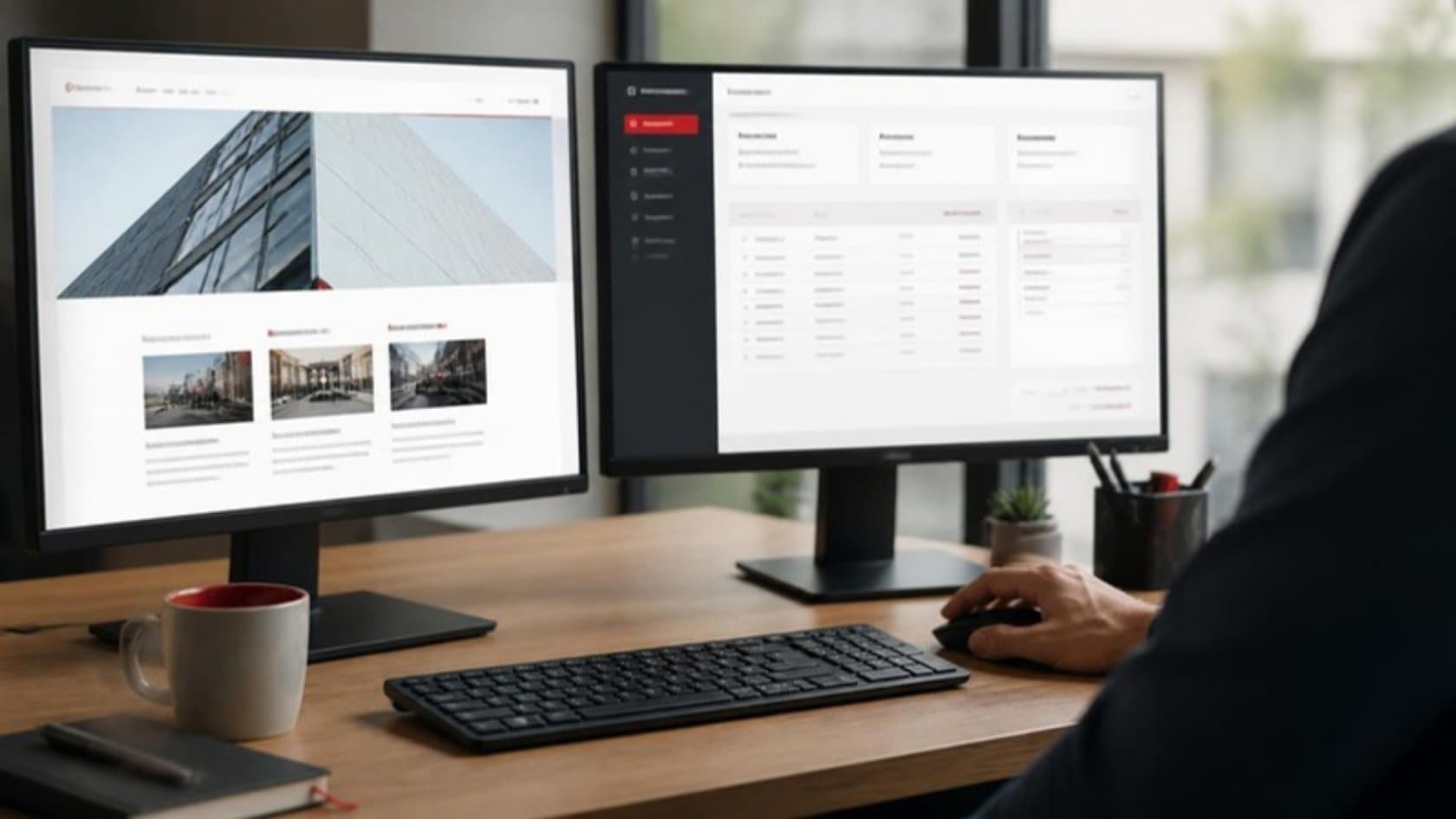
"We need a new website" is one of the most common requests a software firm hears, and often the wrong one. Sometimes the business needs a better shop window. Sometimes it needs a tool where customers place orders and staff process them.
The web application vs website question decides your budget, your timeline and who maintains the result, so it is worth answering before you ask for quotes. This guide gives you the difference in plain terms, a quick self-test and the questions to settle before you buy.
The short answer
A website tells people about your business. Visitors read pages, look at products, download a brochure and fill in a contact form. The content is mostly the same for everyone.
A web application lets people do work. Users log in, see their own records, create and change data, and trigger actions: place an order, book a slot, approve an invoice, update a job. What each person sees depends on who they are.
On screen, the two can look much the same. What separates them is the work going on underneath.
Web application vs website: a side-by-side comparison
Website | Web application | |
|---|---|---|
Main purpose | Inform and persuade | Get work done |
Who uses it | Anyone, mostly anonymous visitors | Logged-in staff, customers or partners |
What users do | Read, browse, send an inquiry | Create, edit, approve, track |
Data | Pages and media, edited by your marketing team | Business records, changed all day by users |
Connections | Contact form, analytics, maybe a newsletter tool | Your ERP, CRM, accounting and payment systems |
Typical tools | A content management system and a theme or custom design | Custom code on a framework, with a database behind it |
Security focus | Keeping the site up and the admin login safe | Controlling who sees and changes which records |
Who maintains it | Marketing, with occasional developer help | A development team, with ongoing changes |
Many businesses need both: a public website that wins inquiries, and a web app behind a login where the work happens. They can share a domain and a design while being built and run quite differently.
A quick self-test
Count how many of these statements are true for you:
Customers email or phone to place repeat orders that someone retypes into your system.
Staff keep a shared spreadsheet that several people edit, and it breaks or goes out of date.
Customers call to ask about the status of an order, repair or booking.
Different people should see different information: their own prices, their own jobs, their own region.
Approvals happen by email and nobody can find the latest version.
Managers wait for someone to build a weekly report from several systems.
You want customers or partners to log in and help themselves.
Zero or one: a well-built website is probably what you need. Focus on clear content, speed and inquiries.
Two or three: you likely need a website plus one focused web app, such as a customer portal or an internal tracker.
Four or more: the real job is a web application. A website redesign will not fix the problems on your list.
What changes when you build a web app
Logins and permissions
Every user needs an account, and every account needs rules about what it can see and do. Get this wrong and a customer sees another customer's prices. In the OWASP Top 10, the standard list of web security risks, broken access control was the top category in its 2021 edition, and 94% of applications tested showed some form of it. Ask any supplier how they test permissions.
Connections to your other systems
A web app earns its keep when orders flow straight into the ERP and stock levels flow back out. Those connections are often the largest single piece of work, so list them early. If your back office itself is the problem, look at ERP development alongside the app.
Ongoing change
A website can sit largely unchanged for a while between redesigns. A web app usually grows: new screens, new rules, new users. Plan for a team that keeps working on it after launch, either yours or a partner's, with documentation good enough to switch between them.
Testing and rollout
A broken page on a website is an embarrassment. A broken screen in a web app can stop orders. Each new version should land on a test copy first, where a few of your own staff click through it before anyone else sees the change.
Moving people across also needs a plan. Start with one team or a small group of customers, and keep the old spreadsheet read-only until everyone has switched, so nobody works from two versions of the truth.
What both need to get right
Whichever you build, a few standards apply to both.
Speed. Google's Core Web Vitals set clear targets: the main content should load within 2.5 seconds, the page should respond to a tap or click within 200 milliseconds, and the layout should not jump around as it loads. Slow pages lose visitors on a website and waste staff time in an app.
Accessibility. The Web Content Accessibility Guidelines (WCAG) 2.2 describe how to make pages usable for people with visual, hearing, motor and cognitive disabilities. It is far easier to build in from the start than to add later.
Mobile. Customers and field staff will use it on a phone. Test on phones from the first demo, not after launch.
Ownership. The code, the hosting account and the domain should be in your company's name.
Common middle-ground options
The choice is not always one or the other. Some practical in-between setups:
Website with a customer portal. The public site stays simple, and a login button leads to a portal for orders, invoices and documents.
Website with an online booking or quote tool. One focused feature that takes calls off your team.
An internal app only. No change to the public site; staff get a proper tool to replace the spreadsheet they fight over.
An installable web app. A web app that staff can add to their home screen, so it feels like a phone app without the app stores.
How to brief a supplier
A good brief describes the work rather than the technology. Include:
Who will use it, and what each type of user needs to do.
The spreadsheet, inbox or paper form it replaces, with a real example.
The systems it must read from or write to.
What a good outcome looks like in three months, in plain numbers you track today.
With that, a capable team can tell you whether you need a website, a web app or both, and what the first release should include. Our web application development work starts this way: we sit with the people who use the spreadsheet or inbox today, and in week three your own staff are clicking through the main screens. For larger systems that span several departments, see our custom software development service.
See it in practice: Auto Parts Catalog Software for 5 Million+ Records
See it in practice: Exhibition Registration Software with Barcode Entry
If you are not sure which one your business needs, send us the spreadsheet or inbox your team relies on and book a 30-minute call. We will tell you plainly whether a website, a web app or both would fix it.