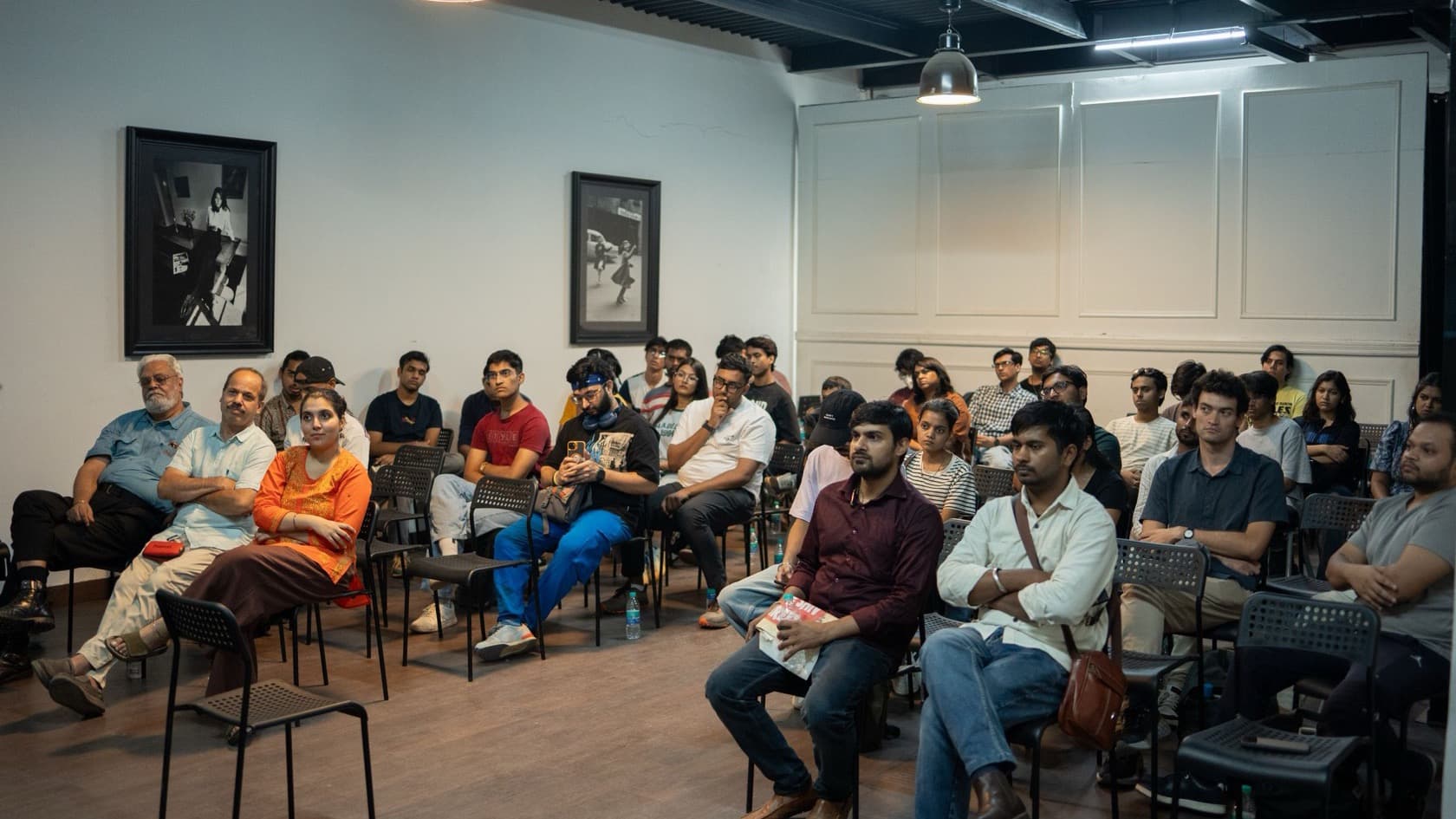







The challenge
A regional chamber of commerce in India hosts a large annual trade exhibition. Alongside the stalls, it runs a seminar program and a single-window help desk for visitors. It needed exhibition visitor registration software that worked on the exhibition floor, not just on a website.
Delegates arrive by two routes. Some register in advance through the exhibition website; others walk up on the day. Both groups had to end up on one list, or the organizers would never know who actually came.
The organizers also wanted attendance for every seminar, feedback from visitors, speakers and dignitaries, and a count of single-window visits. A paper list at a seminar door gives you none of that in a form you can use afterward.
This was a physical event with real lines at the doors, so the software had to arrive with the people and hardware to run it.
What we built
We implemented seminar and single-window management software and ran it on site for the exhibition. It brought together:
Online and on-site registration. Sign-ups from the exhibition website and from desks on the day were compiled into one delegate list.
Barcode seminar entry. Scanners at each seminar entry point read the delegate's pass and recorded attendance for that session.
Single-window desk records. The help desk kept its own registration and attendance records.
Tablet feedback. Tablets captured feedback from visitors and on the single-window service.
Speaker and dignitary feedback. Audio and video teams recorded feedback from speakers and dignitaries.
Before the event, we drew up a desk-by-desk resource plan covering staff, computers, tablets, scanners and printers. Our team then supervised the setup on site through the exhibition.
How it works day to day
Follow one delegate through the exhibition. If they signed up on the website, their record is already on the delegate list. If not, a registration desk adds them on the spot, and they join the same list.
When they walk into a seminar, a scanner at the door reads their pass. That single scan records their attendance for the session, so the organizers know who sat in each room without a sign-in sheet.
If they need help, they visit the single-window desk, where the visit is registered and counted. A tablet asks for their feedback on the event and on the desk. Meanwhile, the audio and video team records speakers and dignitaries giving their views.
The result
The organizers had one list of registered delegates, attendance for each seminar, and feedback from visitors, speakers and dignitaries. Single-window desk visits were registered and counted.
That gives the organizing committee material it can act on: which sessions drew delegates, what people said about them, and how much demand the help desk saw. We are not publishing delegate or seminar numbers for this event.
What the research says
Check-in shapes the whole visit. Event software company Bizzabo ran a November 2024 survey with 1,558 responses. In it, 71% of attendees said ease of check-in at an in-person B2B conference can make or break their event experience (Bizzabo, State of Events 2025). A barcode scan at the seminar door keeps that step short.
Organizers need data to show results. The same report found 70% of organizers had difficulty proving event ROI in 2024 (Bizzabo). Scanned attendance per seminar, desk visit logs and feedback give the organizer numbers to report.
Tablets beat paper forms on accuracy. A randomized crossover study comparing tablet and paper questionnaires found overall error rates of 0.60% on tablets and 1.67% on paper (JMIR mHealth and uHealth, 2019). Collecting visitor feedback on tablets avoids retyping paper forms after the event.
Where AI fits next
These ideas were not part of the event setup. A model could group open-text feedback into themes for the organizing committee.
Speaker video feedback could be transcribed and quoted in the post-event report. Attendance patterns could help plan room sizes and session times for the next edition.
Planning exhibition visitor registration software?
Settle these four questions well before the doors open:
How will advance and walk-in registrations join one list, and what does a delegate carry as a pass?
Which doors need scanners, and what is the fallback if a scanner or the network fails?
Who staffs each desk, and what hardware does each one need?
What feedback do you want, from whom, and in what form: tablet forms, audio or video?
Our custom software development and software consultancy pages explain how we plan event systems. Running a show online instead? See our virtual exhibition platform, or browse more of our projects.
Other projects like this one are collected on our operations and logistics page.