








The challenge
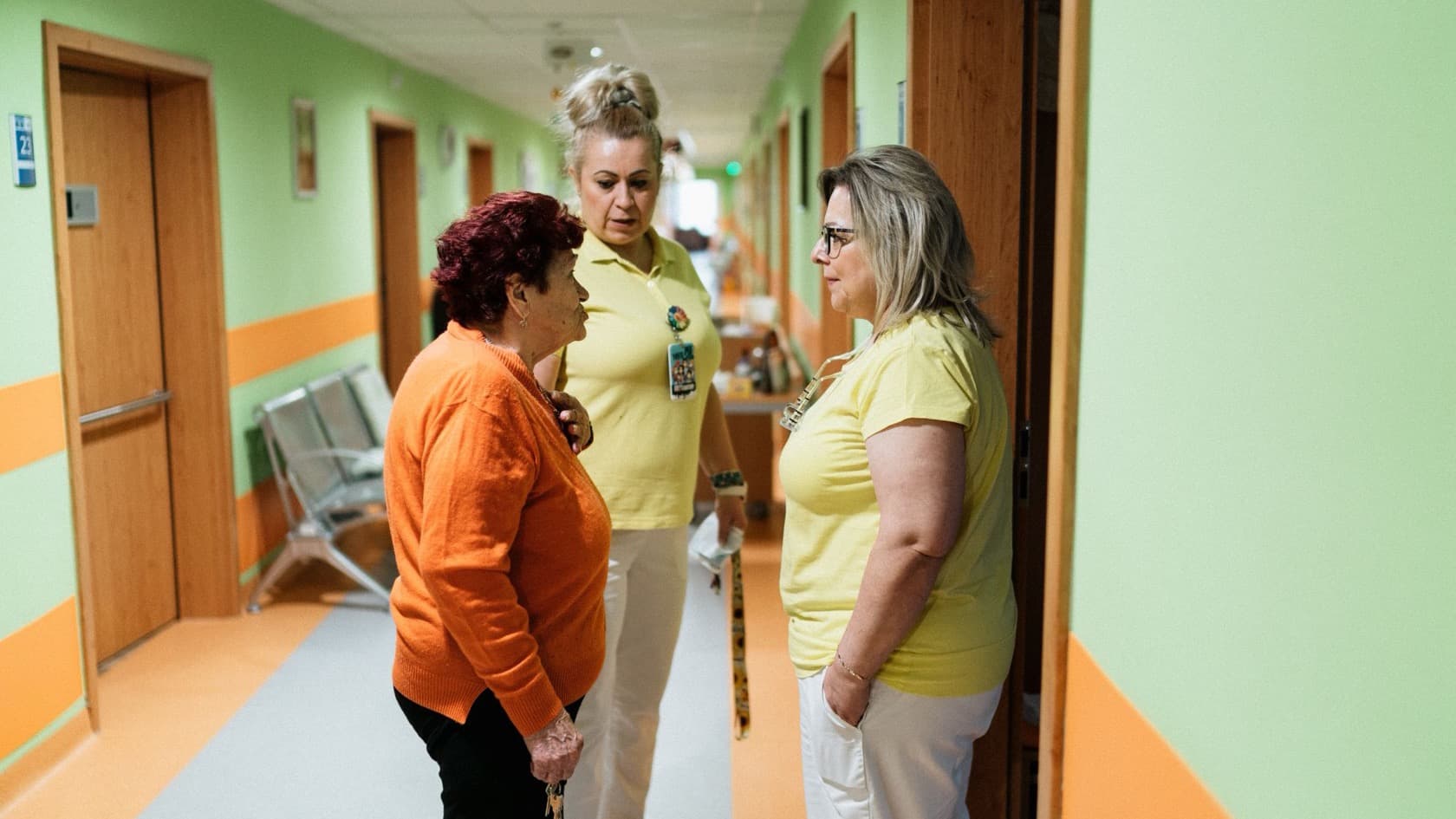
An elder care and rehabilitation provider in Gujarat looks after residents in more than one facility. It needed elder care management software built for how care works in India. The system had to carry a resident from the first phone call to the day they go home.
Inquiries, admissions, nursing and physio work, clinical records and discharges were spread across an older system, and family feedback arrived through online forms.
Families made the job harder in a particular way. A resident's guardian might live in the same city, elsewhere in India or in another country. The provider needed to record guardians wherever they were and keep them informed without a stream of phone calls.
Management had its own gap. With several facilities running at once, nobody had a simple daily view of admissions, discharges, incidents and new inquiries.
What we built: elder care software for several facilities in India
We built a web application that follows each resident through their whole stay, with two mobile apps on top of the same data.
Before admission. Each inquiry carries follow-ups, the referral source and a place on the waitlist, with scheduled reminders. Inquiries link to the provider's website and its email marketing tool, and reports show how many convert into admissions.
Admission. Staff capture clinical and contact details and guardians in any country. Checklists cover what must happen before and after the move-in, and a list of the resident's belongings can be printed.
During the stay. Each resident's record holds:
nursing and physio schedules, viewable by day, week or month and printable;
physician orders, vitals, allergies, incidents, diagnoses, activities and notes, each with a summary print;
assessment forms with set frequencies, and reports that show which are filled and which are still pending.
Census and discharge. Room transfers, bed holds, re-admissions, package changes and moves between facilities are all recorded. Discharge runs on fillable forms.
Access is set by facility, designation and role, and an audit trail records who changed what.
How it works day to day
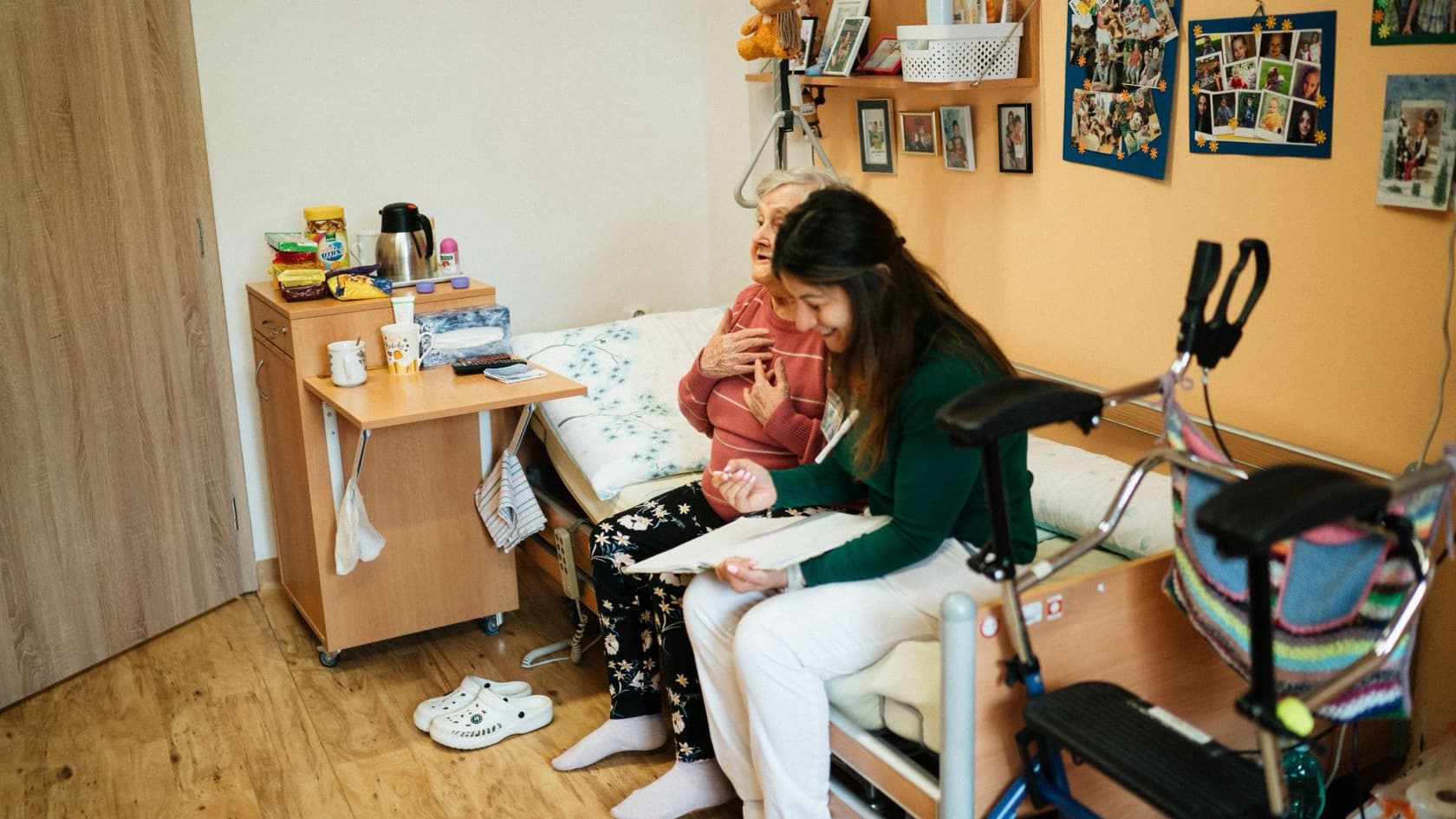
Picture a nurse starting a morning shift. The staff app shows her residents, and she records vitals, notes, medicines and assessment answers on her phone as she goes. If she needs a guardian, she can call them from the same screen.
Back at the nurse station, the day's nursing and physio tasks are already scheduled on each resident's record, so the next shift sees the same plan. When an incident happens, it goes on the record at once and appears in the next morning's management email.
Families see a different side. Through the relatives app, a guardian living abroad can open a parent's documents, receive a weekly photo and send feedback. If something worries them, they raise a grievance in the app.
Each morning, management receives an email listing incidents, admissions, discharges and inquiries across the facilities. Role-based metrics with graphs show how each area is doing.
The result
Inquiries, admissions, daily care and discharges are now recorded in one system across the provider's facilities. Staff log care from their phones, families see documents and weekly photos in their own app, and managers start the day with a written digest.
The provider later asked us to add features to the same web app. That second phase, bedside care logging with a live family timeline, is covered in our bedside logging case study.
What the research says
Families carry smartphones. The World Bank's Global Findex 2025 found that 86% of adults worldwide own a mobile phone, including 68% who own a smartphone (World Bank Global Findex 2025). A relatives app for Android and iOS reaches guardians wherever they live, with documents and a weekly photo in one place.
Searching eats into the working day. Atlassian's State of Teams 2025 is a survey of 12,000 knowledge workers by the software vendor. It found that teams waste 25% of their time searching for answers (Atlassian, 2025). Here each resident's tasks, records and assessments sit on one record, and managers get a daily email instead of asking around.
Stolen logins feature in many breaches. Verizon's 2026 Data Breach Investigations Report finds credential abuse at some point in 39% of breaches (Verizon DBIR 2026). Access rights set by facility, designation and role limit what any single login can open.
Where AI fits next
No AI runs in the system today; these are ideas the provider could weigh next. A model could draft the weekly family update from a resident's notes, for a nurse to check before it goes out. It could flag vitals that drift over several days for clinical review, and group incident reports into themes for the monthly management meeting.
Planning something similar?
Before you build elder care management software, it helps to answer four questions:
Which facilities, roles and designations need different access?
Which clinical records and assessments must be on every resident's file, and how often?
What should families see, and what should stay internal?
Which numbers does management need every morning?
Learn how we take on custom software and staff and family apps, what healthcare software systems change for care centers, and which other care providers we work with.