Most business apps fail for reasons that have nothing to do with code. They solve the wrong problem, nobody tests them with the people who will use them, or they get stuck in app store review the week before launch.
A clear mobile app development process reduces the risk of all three. This guide walks you through each stage, from the first idea to a live listing in the App Store and Google Play, with what you decide and what you should receive at every step.
You do not need to know Swift from Kotlin to follow it. You need to know your business, your users and when to say "stop".
The mobile app development process at a glance
Stage | Your main decision | What you should hold at the end |
|---|---|---|
1. Discovery | Who the app is for and the one job it must do | A short written scope for release one |
2. Prototype | Whether the screens make sense to real users | A clickable version, approved by users |
3. Technical plan | Platforms, connections and budget | A fixed price and timeline, or a clear estimate |
4. Build | What changes as you see it working | A working demo on your own phones every week |
5. Testing | Whether it is ready for real users | A trial with your own staff or customers |
6. Store submission | Who signs off the release | The app live under your company's accounts |
7. After launch | What goes into release two | Crash reports, usage figures and a backlog |
Each stage should end at a point where you can stop, change direction or carry on. Here is what happens inside each one.
Step 1: Discovery, or deciding what the app is for
Start with people, not features. Who will open this app: a driver at the kerb, an engineer on a roof, a customer reordering at night? What job are they trying to get done, and what do they use today instead?
The clearest signal here is a piece of paper or a phone call you want to remove. A site report typed up from a paper form, or customers ringing to ask where their order is, gives the app a clear purpose and a way to measure whether it worked.
By the end you should have a short scope for release one. Keep it small. One job done well beats ten done halfway.
Step 2: A prototype people can tap
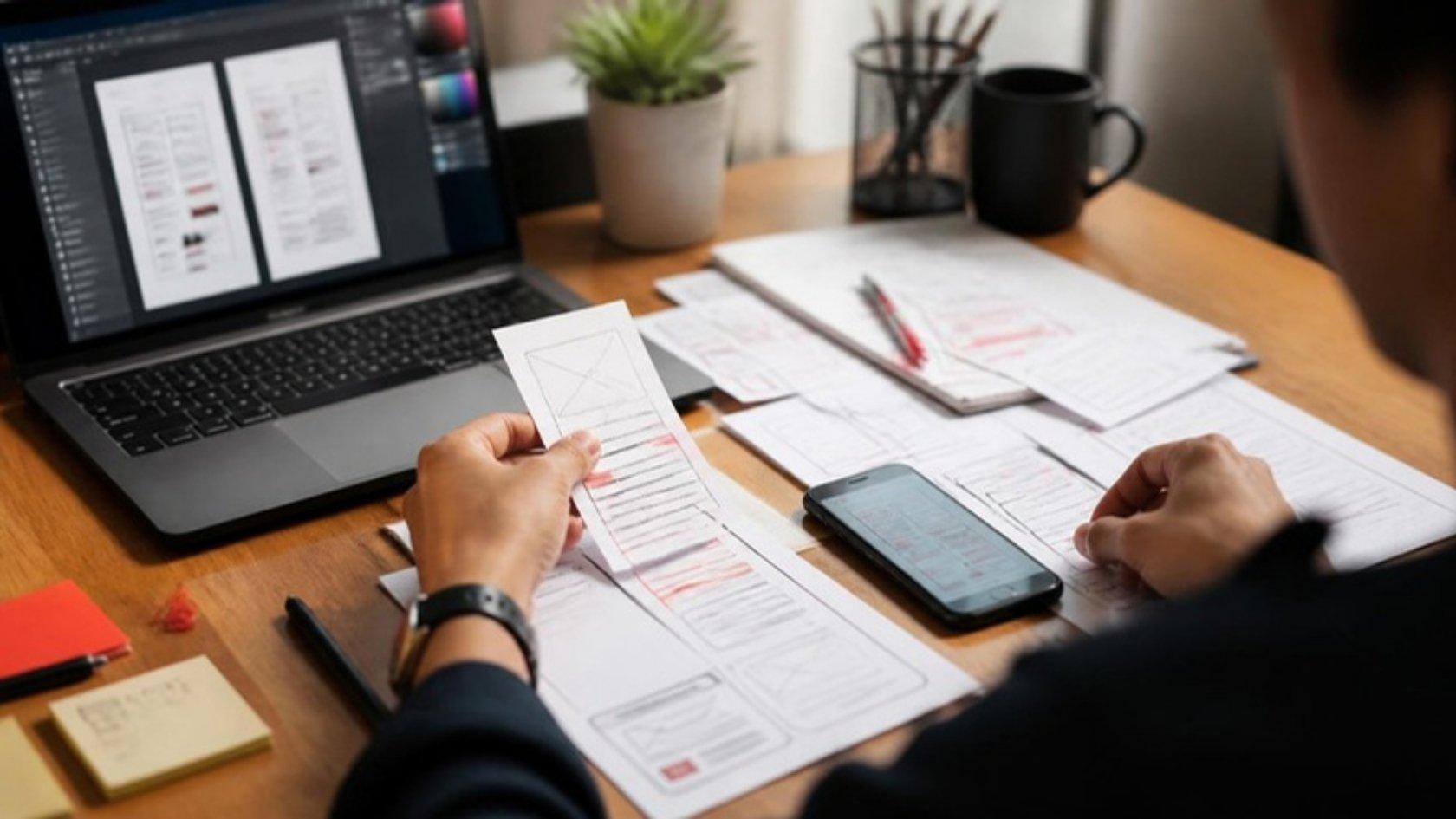
Before anyone writes production code, the main screens should exist as a clickable prototype on real phones. Hand it to three or four of the people who will use the app and watch them try a real task.
You will learn more in an hour of watching than in a week of meetings. Buttons that seemed obvious get missed. Fields nobody needs turn up. Changing a prototype costs very little; changing a finished app costs a lot more.
Step 3: The technical plan
Now the technical choices get made, and you should understand each one in plain terms.
iPhone, Android or both?
If the app is for your own staff and you hand out the phones, you may only need one platform. Customer apps usually need both. Cross-platform tools such as React Native let one codebase serve both; fully native apps in Swift or Kotlin make sense when the app leans heavily on the camera, sensors or offline work.
What does it connect to?
A business app is only as useful as the systems behind it. Orders should land in your ERP, jobs should come from your scheduling system, and photos should reach the office record. List every connection now, because each one affects cost and timeline.
Does it need to work offline?
Warehouses, basements and rural sites have poor signal. If your users work there, the app must save work on the phone and send it when the connection returns.
With these answers, you should receive a price and a timeline you can hold the team to.
Step 4: Build in short cycles
Good teams build in one- or two-week cycles and put a working version on your own phones at the end of each. You judge progress by using the app, not by reading a status report.
Expect to change your mind about small things. That is normal and cheap at this stage. Large changes to scope should come with a clear note of what they add to time and cost before anyone starts on them.
Step 5: Testing with real users and real phones
Testing has two halves. The first is technical: does the app work across the phone models and operating system versions your users actually carry, on slow connections, with a full battery and a nearly empty one?
The second is a field trial. Give the app to a small group of real users for a week or two of normal work. Both stores have tools for this:
Apple's TestFlight lets you invite up to 10,000 external testers, though builds for external testers pass through Apple's review first.
Google Play supports internal, closed and open testing tracks. New personal developer accounts must run a closed test with at least 12 testers for 14 continuous days before they can publish, which is one more reason to publish under a company account.
Step 6: App store submission
This step catches many first-time app owners out, so plan for it early.
Set up your own developer accounts
Your app should be listed under your company's name, not your developer's. Apple's organization enrollment needs a legal entity, a company website and a D-U-N-S number, and the person enrolling must have authority to sign for the business. Getting a D-U-N-S number can take time, so start this during the build.
Prepare the listing
Screenshots, a description, a privacy policy and answers about what data the app collects. A staff-only app can often be distributed privately instead of listed publicly.
Pass review
Apple says that on average 90% of submissions are reviewed in less than 24 hours, and that over 40% of unresolved issues relate to app completeness: crashes, placeholder content and missing information. Thorough testing in step 5 is the surest way through.
Before the release goes out, one named person on your side should approve it. Nothing reaches your users without that yes.
Step 7: After launch
An app is never finished. Phones and operating systems change every year, and the stores expect you to keep up. Google Play, for instance, requires new apps and updates to target a recent Android version, with the bar rising roughly once a year.
From the first day live, you should see crash reports and how many people use each feature. That evidence, plus what your users tell you, decides what goes into release two.
See it in practice: Thai Shopping App with LINE Login and Loyalty Points
See it in practice: Gujarati Newspaper Apps with Offline E-Paper Reading
Planning an app for your team or customers?
If you have a job in mind that a phone could do better than paper, our mobile app development team follows the process above, with a demo on your phones every week and publishing under your company's own accounts. Book a 30-minute call with a founder and talk through your idea, with no obligation.